Help › Tournaments
Run your first tournament
Create a tournament, add categories, take entries, generate the schedule across your venues, then enter results.
Watch it first
A short recording from the app, with the waiting cut out. The steps below go through it slowly.
This guide walks you through a tournament from the first draft to the final. Set up your venues and playing spaces first, so the schedule has somewhere to go.
1Create the tournament
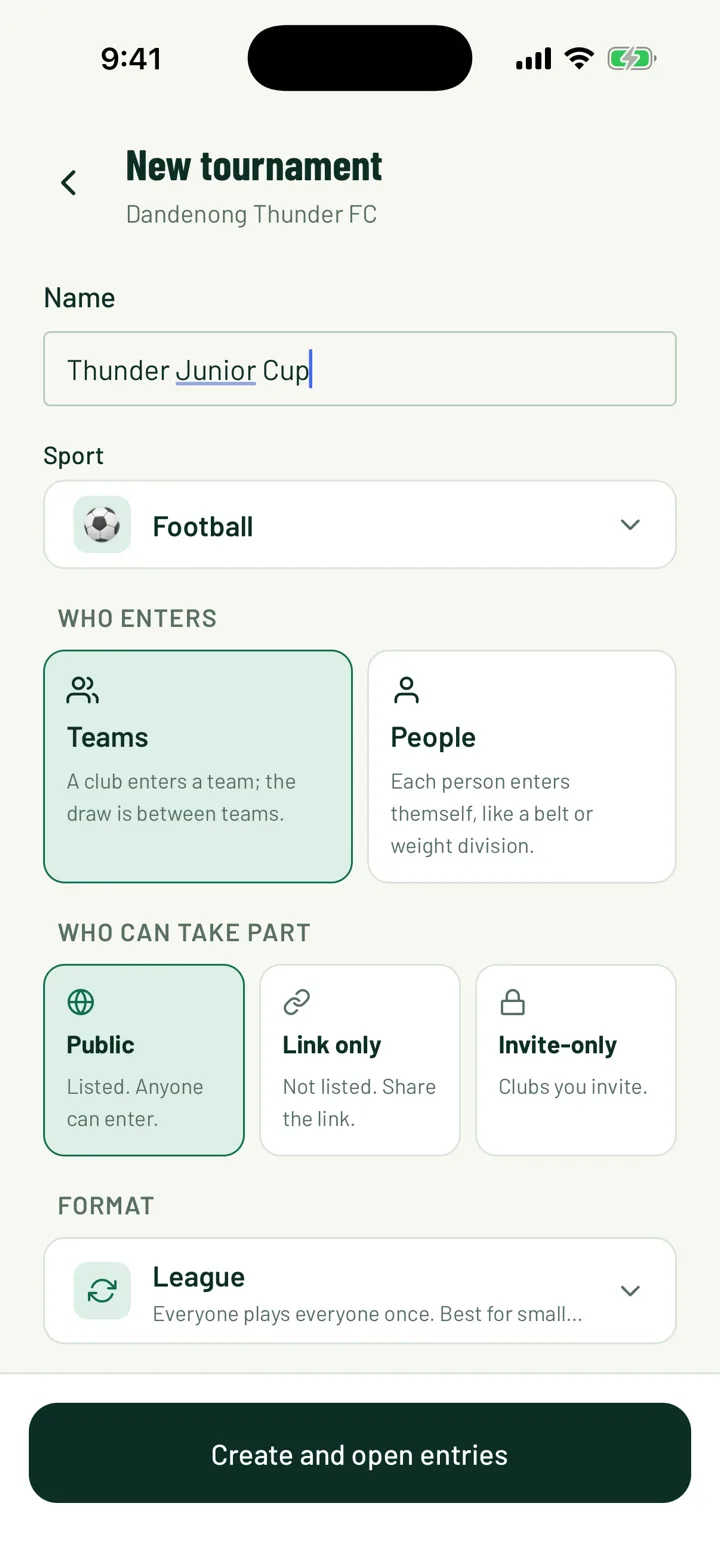
In the app, open the menu or the Home tab and tap Tournaments. Choose your club, then tap +. On the web, open Tournaments and click New tournament.
- Enter a Name and choose the Sport.
- Under Who enters, pick Teams or People.
- Under Who can take part, pick Public, Invite-only or the link option. The app calls it Link only and the web calls it Anyone with the link.
- Pick a Format: League, League, home & away, Knockout, Groups + knockout or Double elimination.
- Set the number of Teams and the Starts date.
- Turn on Let other teams enter to take entries. You can add an Entry fee per team (optional) and a closing date.
Tap Create and open entries, or Create tournament if entries are off.
On the web, Points and table shows the points for a win, draw and loss for your sport. Click Change to set your own. This is only on the web, when you create the tournament.
App: Menu › Tournaments › + · Web: Tournaments › New tournament
2Add categories
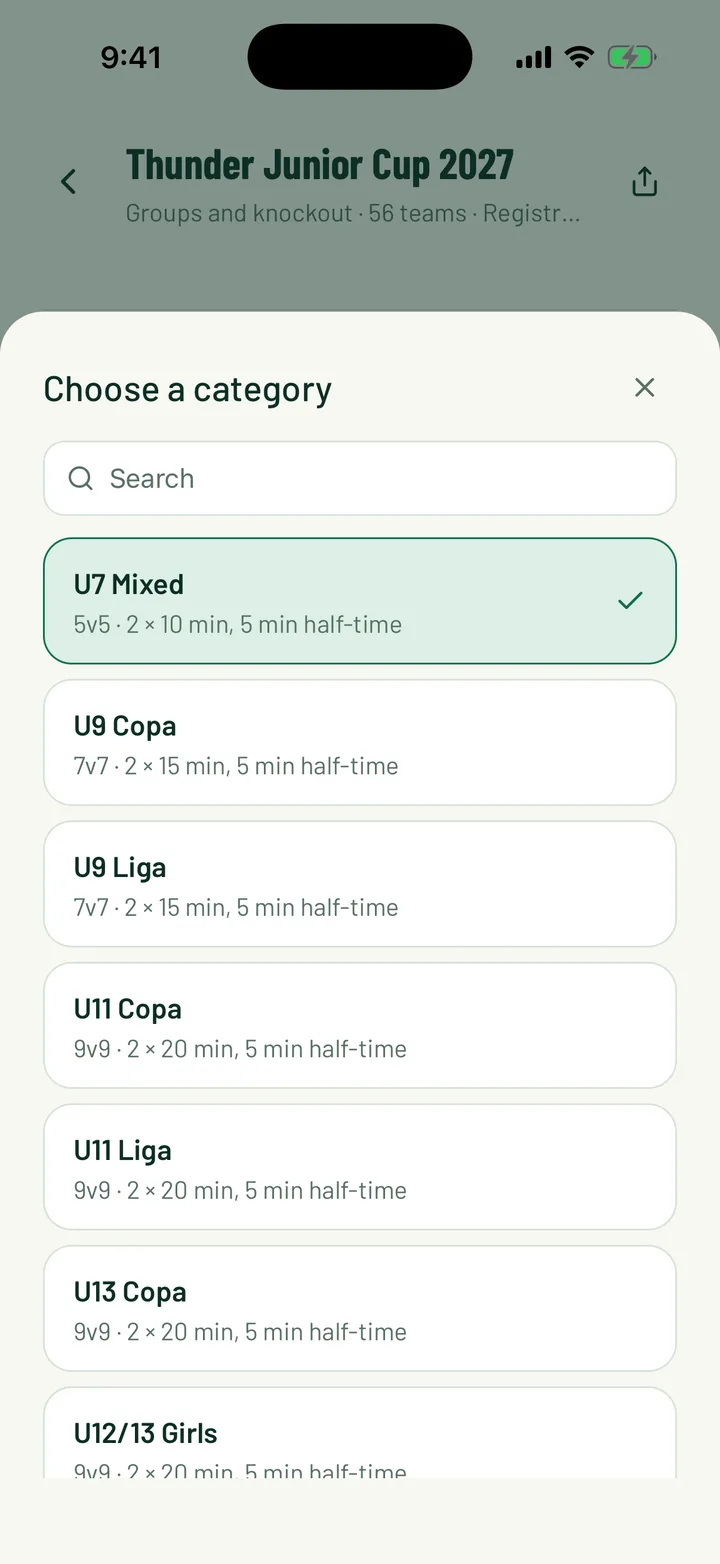
Every tournament starts with one category called Open. Add a category for each age group, level or division.
- In the app, open Manage tournament, tap Categories, then +. On the web, click Categories, then Add category.
- Give it a Name, like U12 Boys.
- Set Who can play, and Born from and Born to if it's age-based.
- Add an entry fee and a team limit if this category differs from the tournament.
- Choose a draw format, or keep the tournament's one.
On the web you can also click Copy from last year, and add named knockout brackets such as Cup and Plate.
App: Tournament › Manage tournament › Categories · Web: Tournaments › tournament › Categories
3Open entries and add teams
A draft tournament is only visible to your club. When you're ready, tap or click Open entries. The tournament then shows to the people you chose under Who can take part.
- Other teams enter through the tournament page. On the web, review them in the Registration card under Submissions, with Approve and Reject.
- To add your own teams in the app, open the Teams tab and tap Add teams. On the web, use Add team… on the tournament page.
- You need at least 2 confirmed teams before you can generate the schedule.
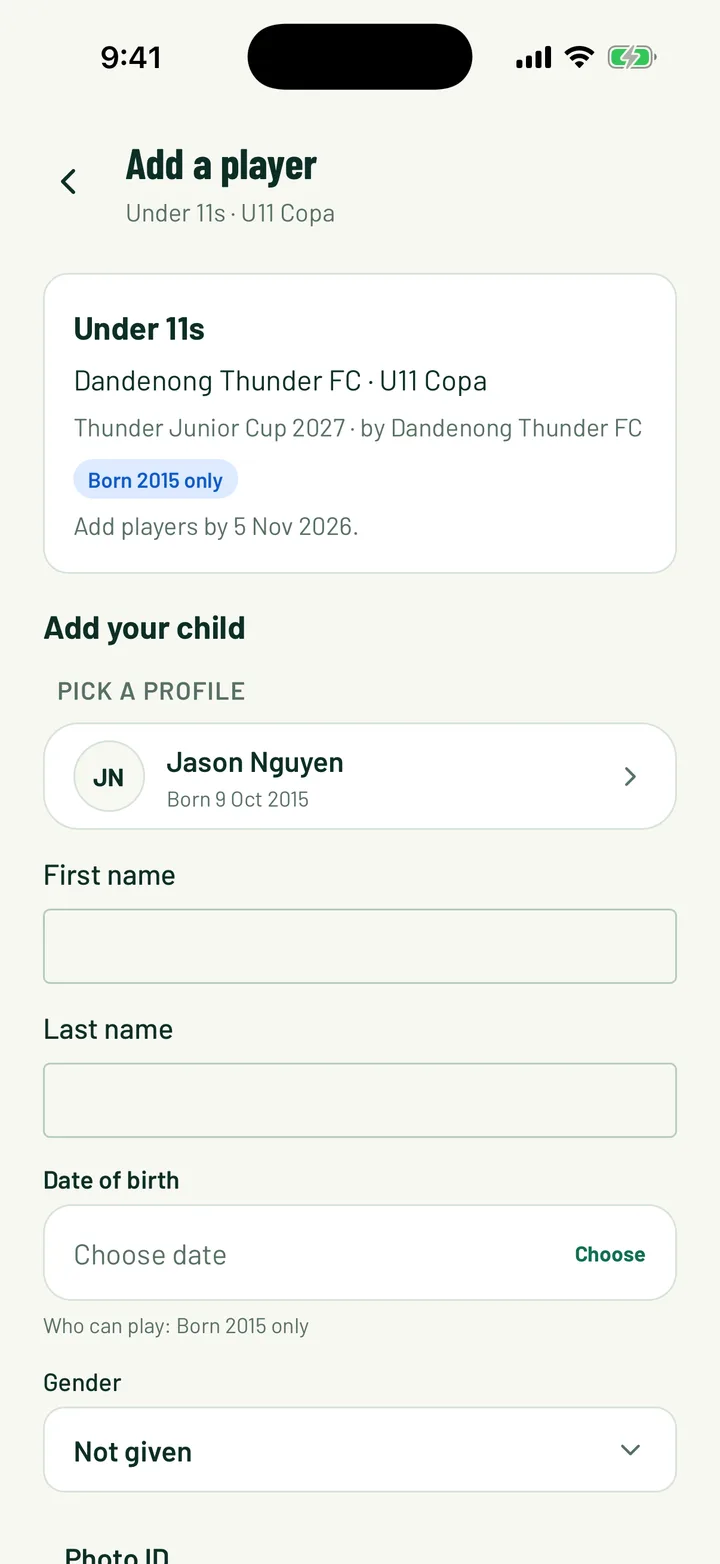
Each entered team can share a Player link for parents. Parents use it to add their child to the team's list and can add a photo ID. You check those IDs under Photo IDs to check.
4Set match days and timing
Tell Sportdify when and how long matches run before you generate.
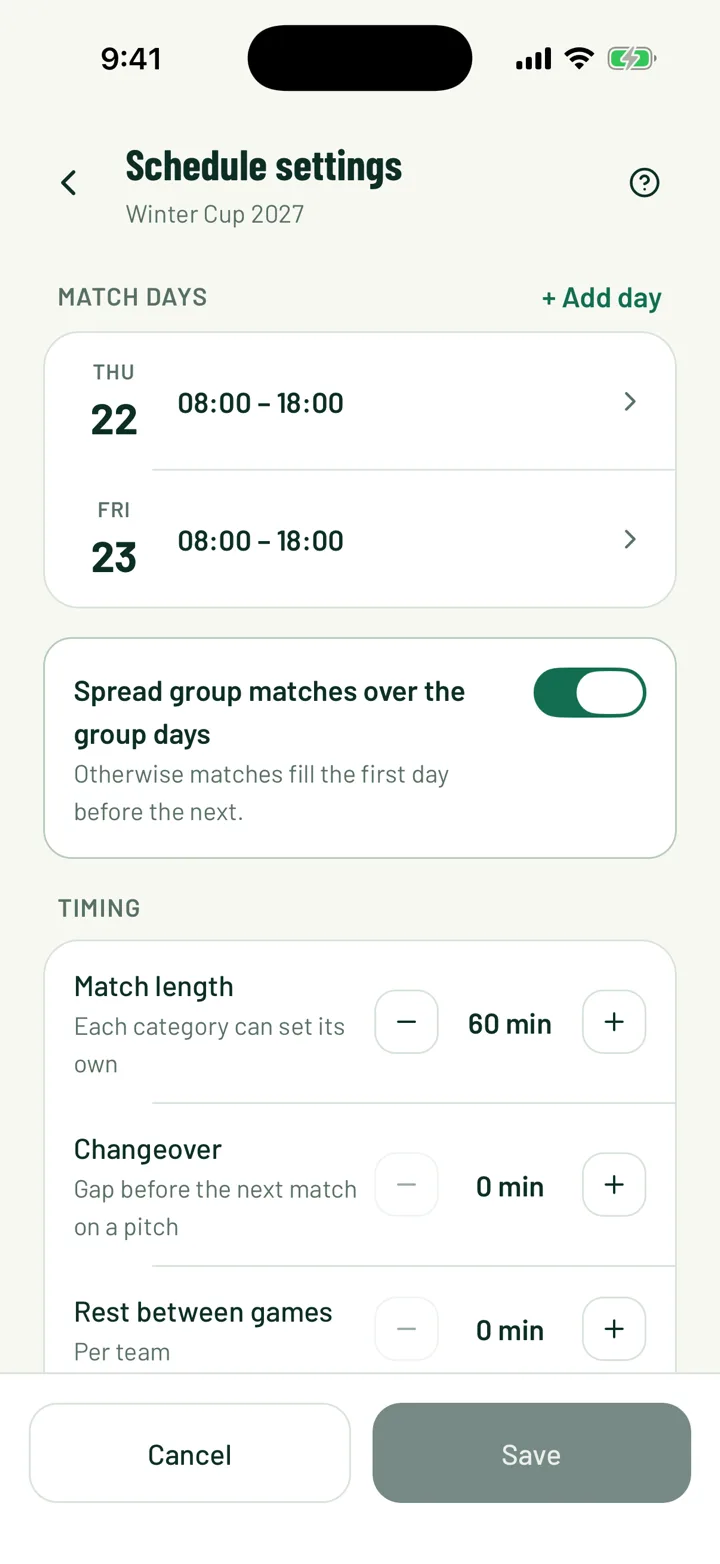
- Under Match days, add each day with its start and finish times. Mark whether groups, knockouts or both are played that day.
- Under Timing, set the Match length, the Changeover between matches on a pitch, Rest between games for each team, and the Latest kick-off.
- Categories can have their own timing if they play shorter games.
Save with Save in the app, or Save rules on the web.
App: Manage tournament › Schedule settings · Web: Tournaments › tournament › Players and scheduling rules
5Generate the schedule
Tap or click Generate schedule. Before you confirm, choose Where matches are played:
- One venue puts every match at one venue.
- Home grounds puts each match at the home team's main venue.
- Selected venues spreads matches evenly across the venues you pick. Choose 2 or more.
Check the preview of each match and its venue, then confirm. Generating closes entries and starts the tournament, so make sure your teams are final.
On the web, a tournament with more than one category shows Draw categories instead. You then generate each category from its own page.
To move a match afterwards, use Change time or venue in the app, or the pencil on the web. If the change causes a clash, you'll see a warning and can still Save anyway.
App: Tournament › Overview › Generate schedule · Web: Tournaments › tournament › Generate schedule
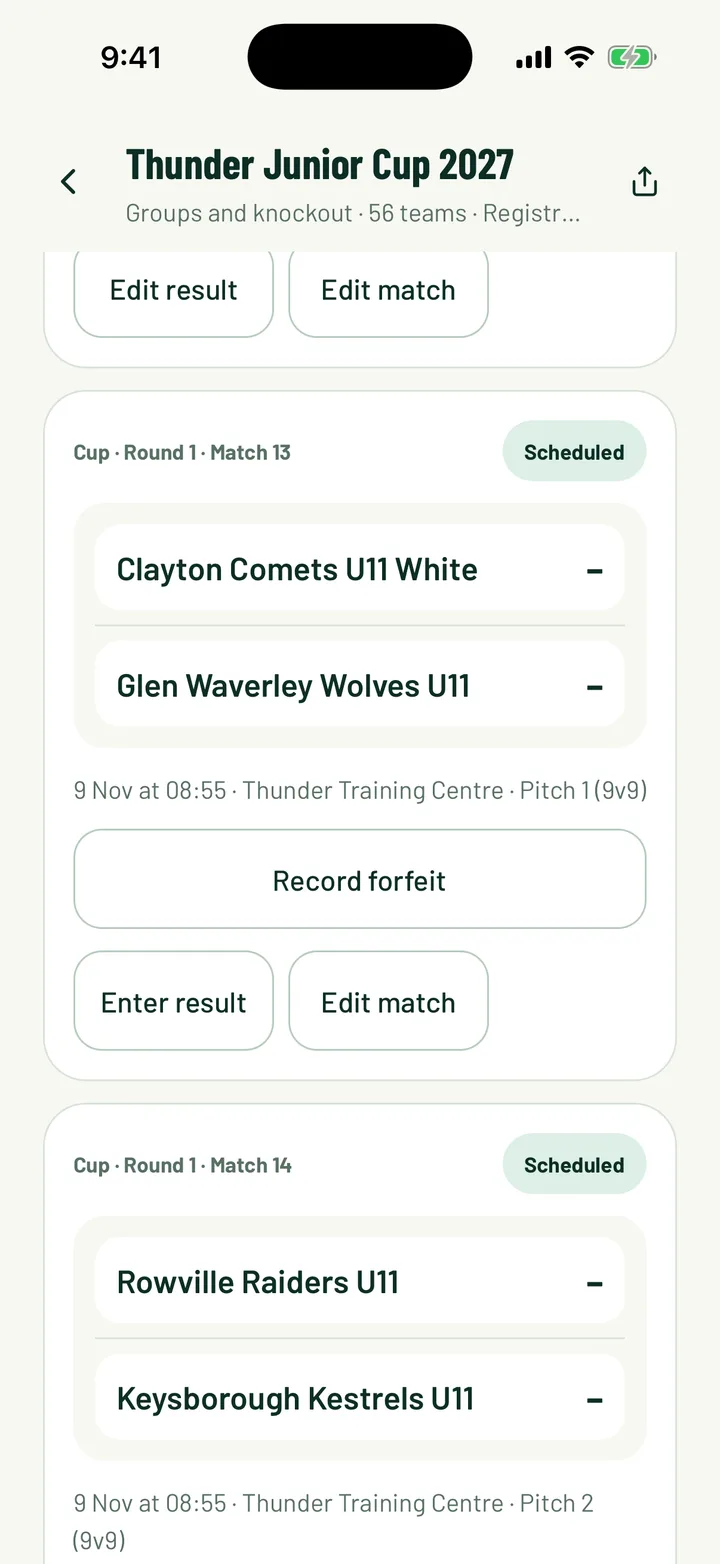
6Enter results
Once the tournament is under way, tap or click Enter results.
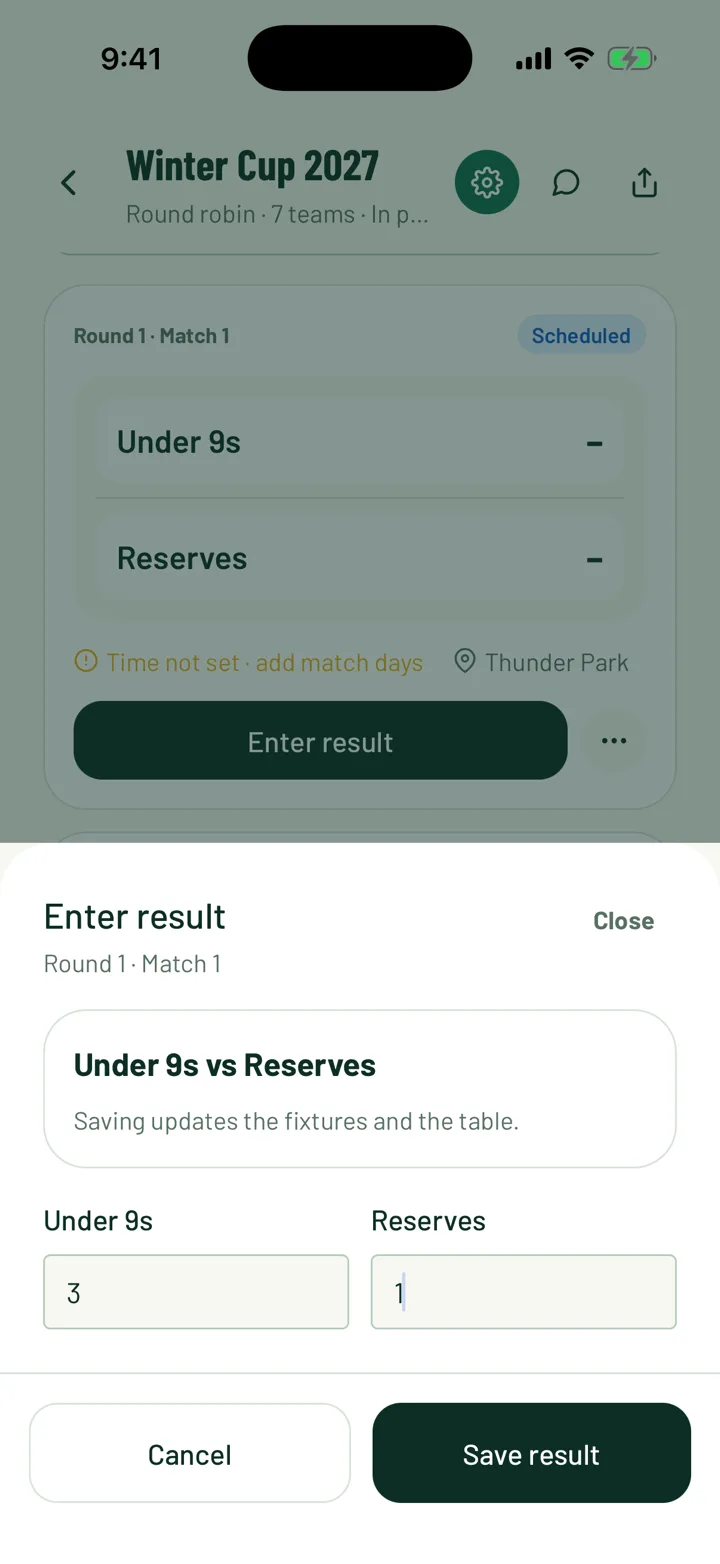
- In the app, tap Enter result on a match, type each team's score and tap Save result.
- On the web, type the scores in the match row. Save score saves a live score without finishing the match. Final saves the result.
- A drawn knockout match asks for the penalty shoot-out score.
- To fix a mistake, tap Edit result in the app, or Reopen on the web.
Use Record forfeit if a team doesn't turn up.
App: Tournament › Overview › Enter results · Web: Tournaments › tournament › Enter results
7Follow the table
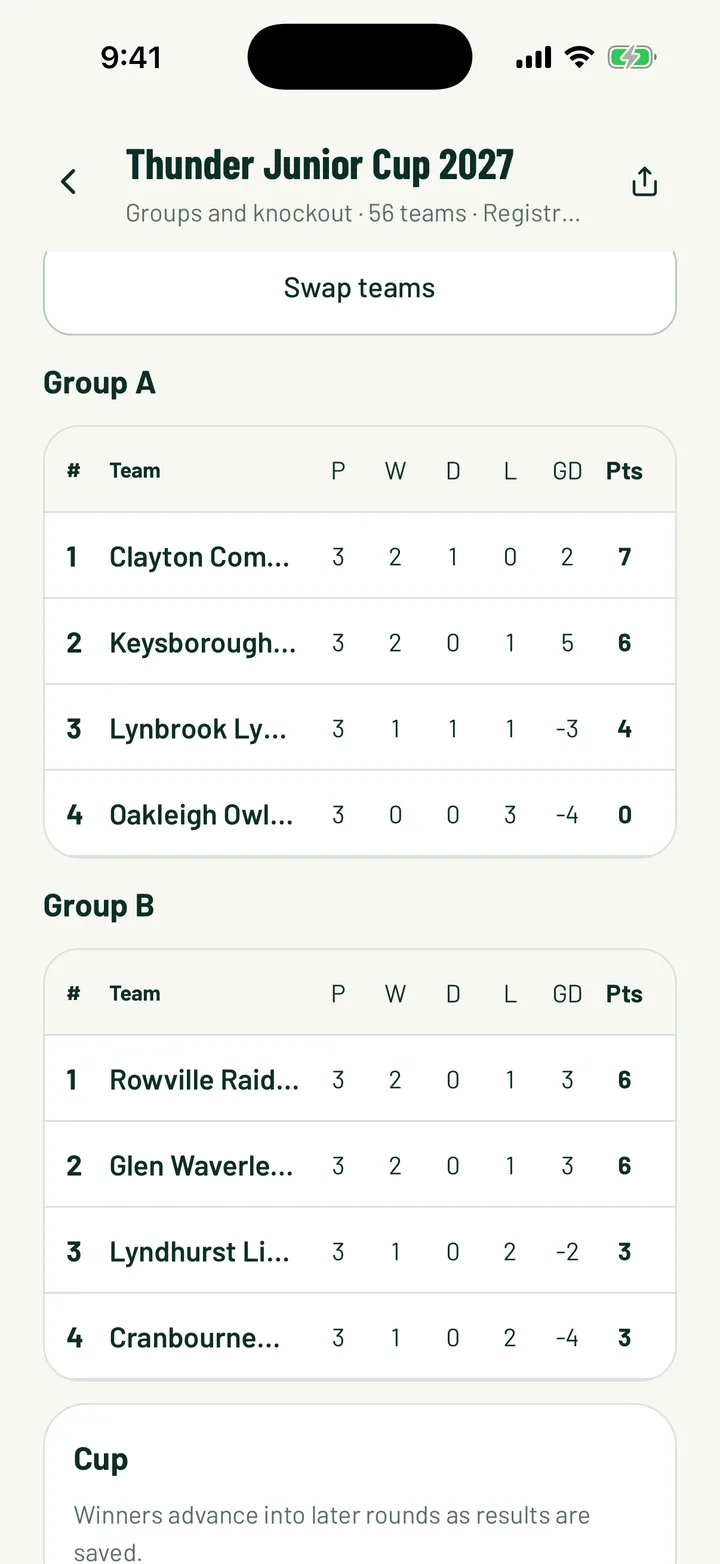
The table updates as you save results. In the app, open the Table or Groups tab. On the web, click Standings.
Each row shows P, W, D, L, GD and Pts. The web league table also shows goals for and against.
8Watch the bracket fill
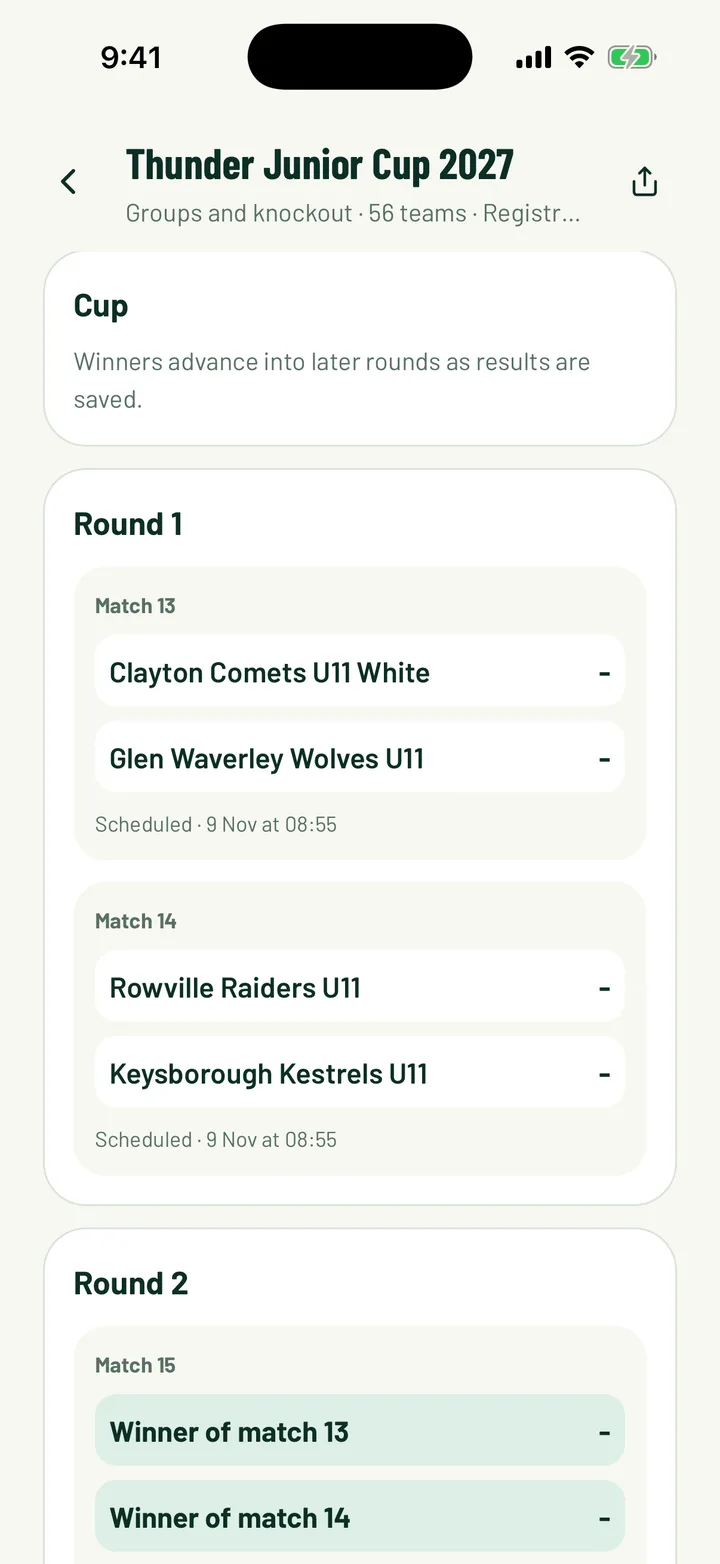
In the app, open the Bracket tab. On the web, click Bracket.
- After a group stage, slots read like Group A winner until every group game is played. Then they fill in.
- Winners move into later rounds as results are saved.
Still stuck?
Ask us