Programs
One sign-up for the whole term
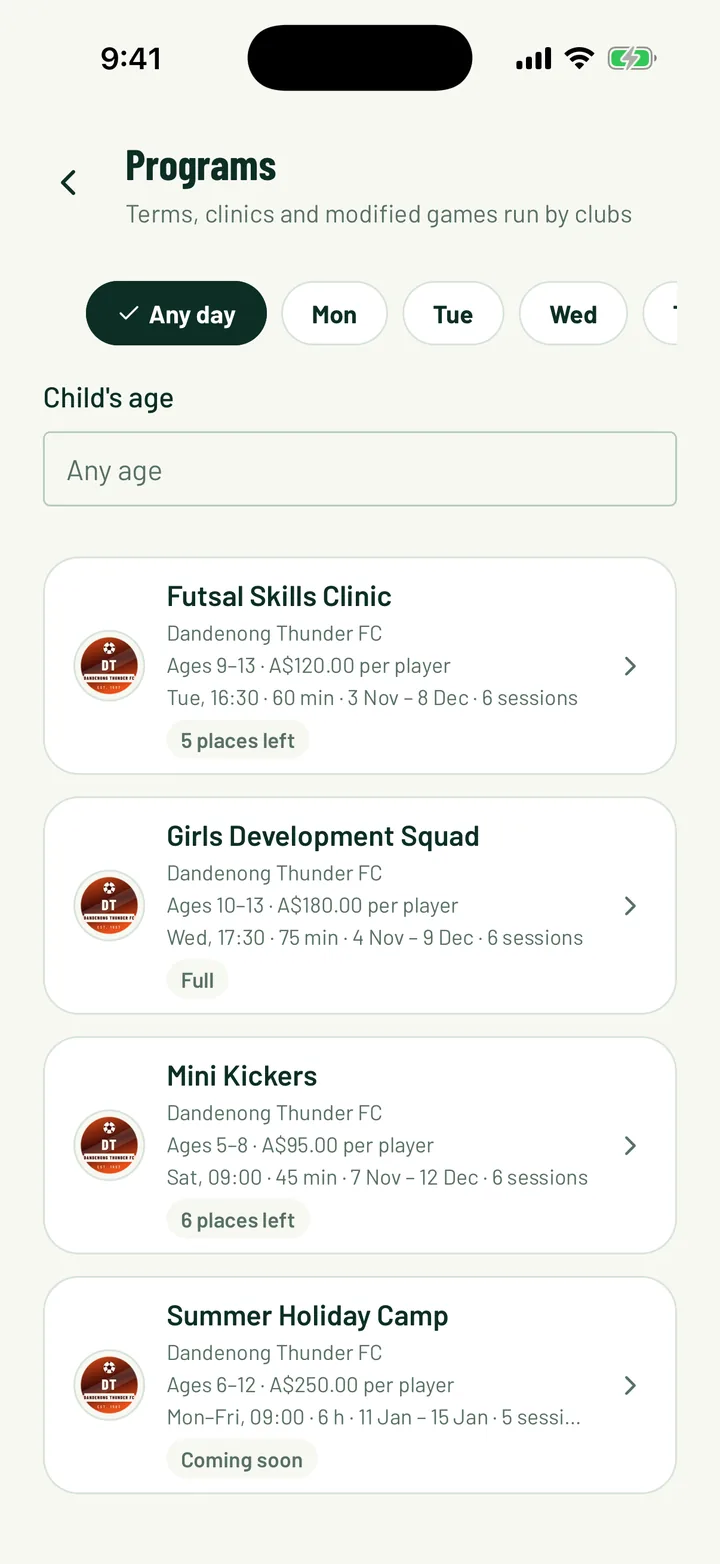
Run skills clinics, development squads, holiday camps and junior come-and-try programs. Families sign up once, pay once or in monthly parts, and every session lands in their schedule.
Included on every plan
A term program shouldn't take three forms and a bank transfer
- Before:
“An interest form, then a sign-up form, then chasing payments.”With Sportdify: Families find the program, sign up their children and pay by card in one go. - Before:
“Checking every child's age by hand.”With Sportdify: Ages are checked at sign-up, against the date you choose. - Before:
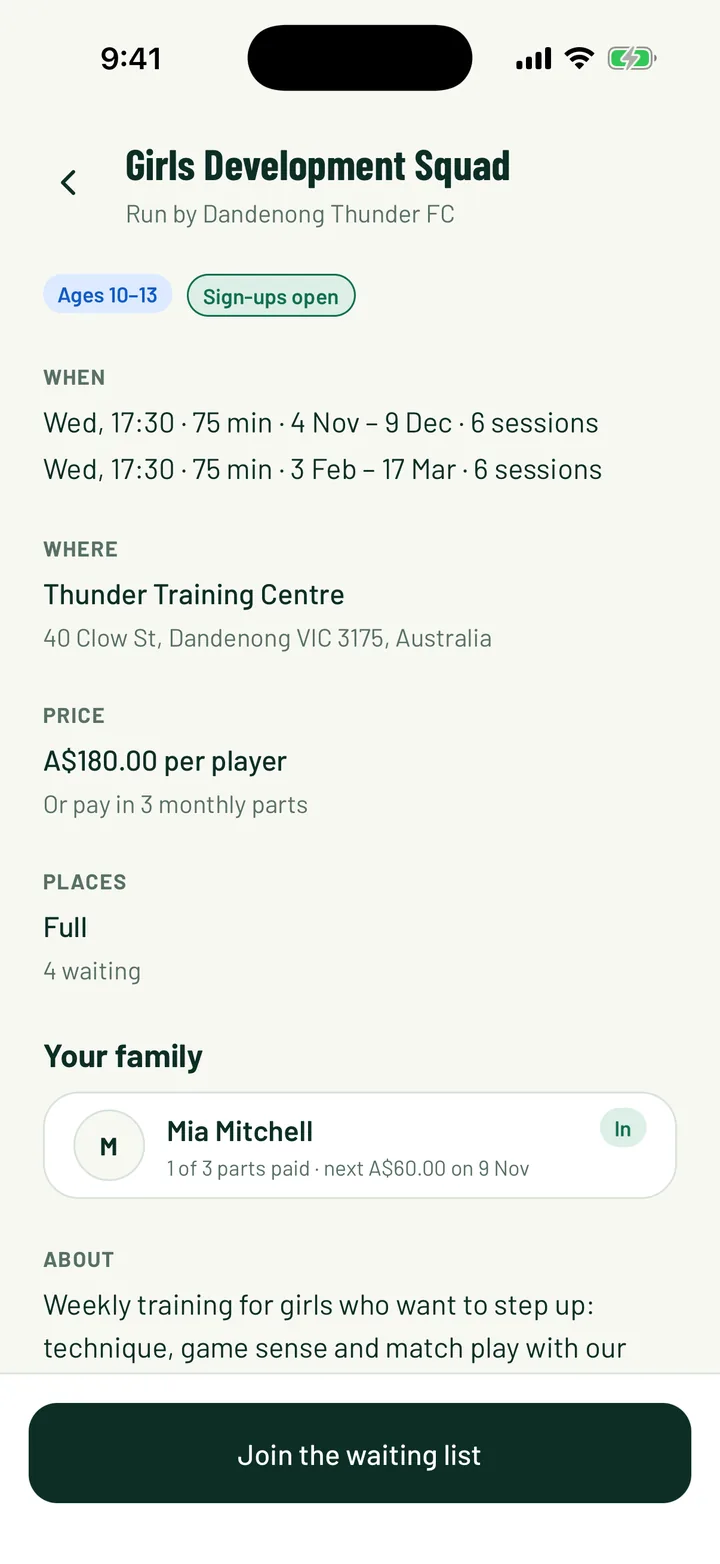
“Emailing the waiting list when someone drops out.”With Sportdify: The next family is offered the place and has 48 hours to take it.
How it works
Three steps
Set the sessions
Add a block of weekly sessions, or two either side of the holidays, and skip public holidays.
Open sign-ups
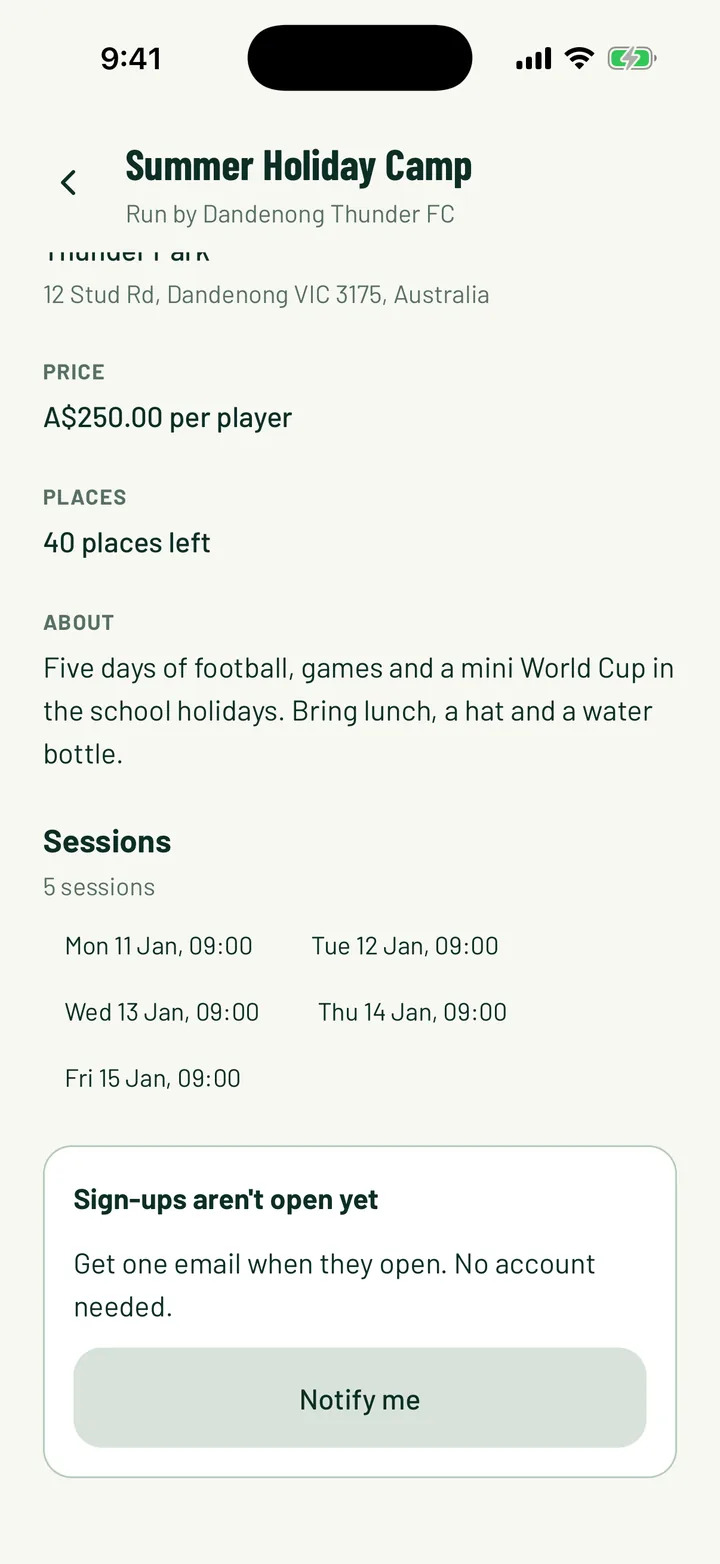
Set the ages, places and price. Show it as coming soon first, so families can ask to be told.
Families sign up and pay
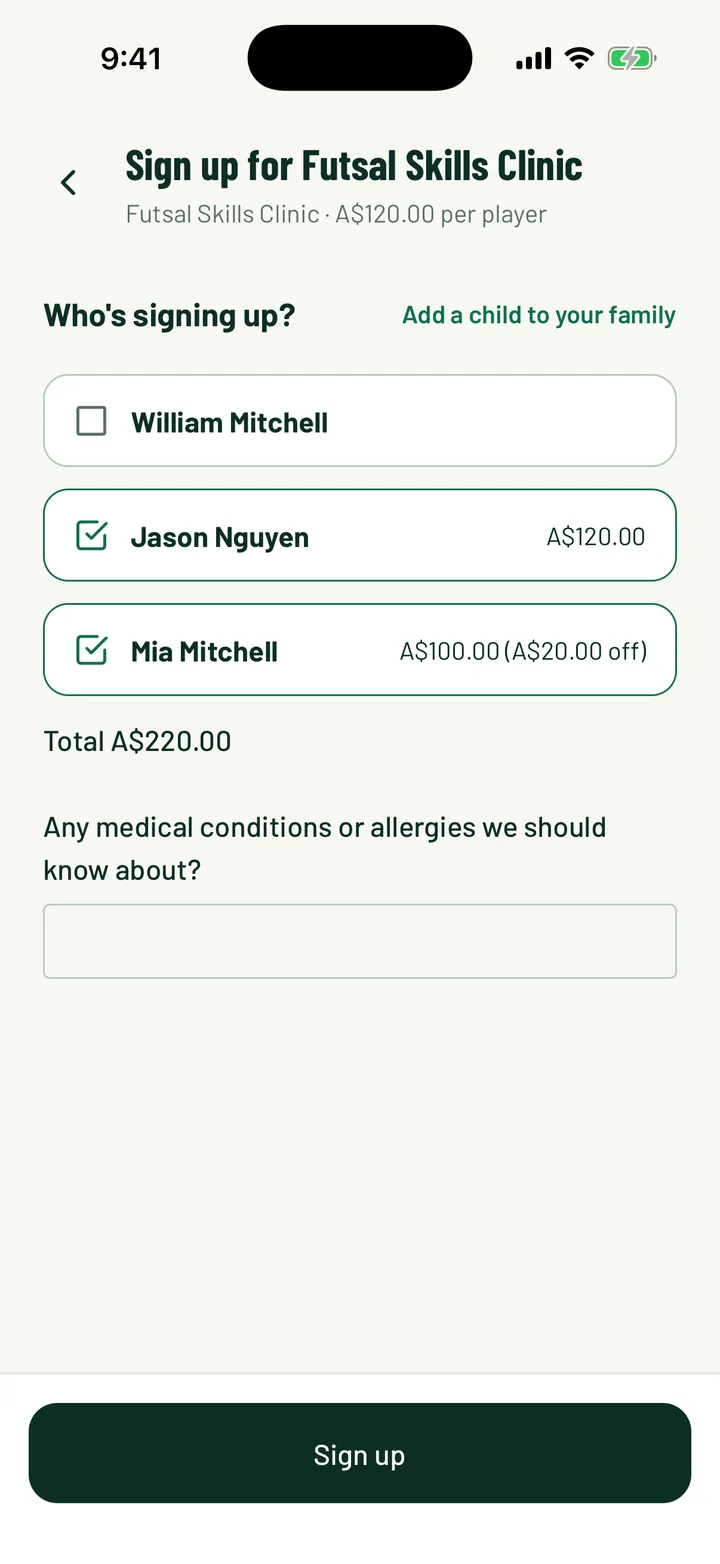
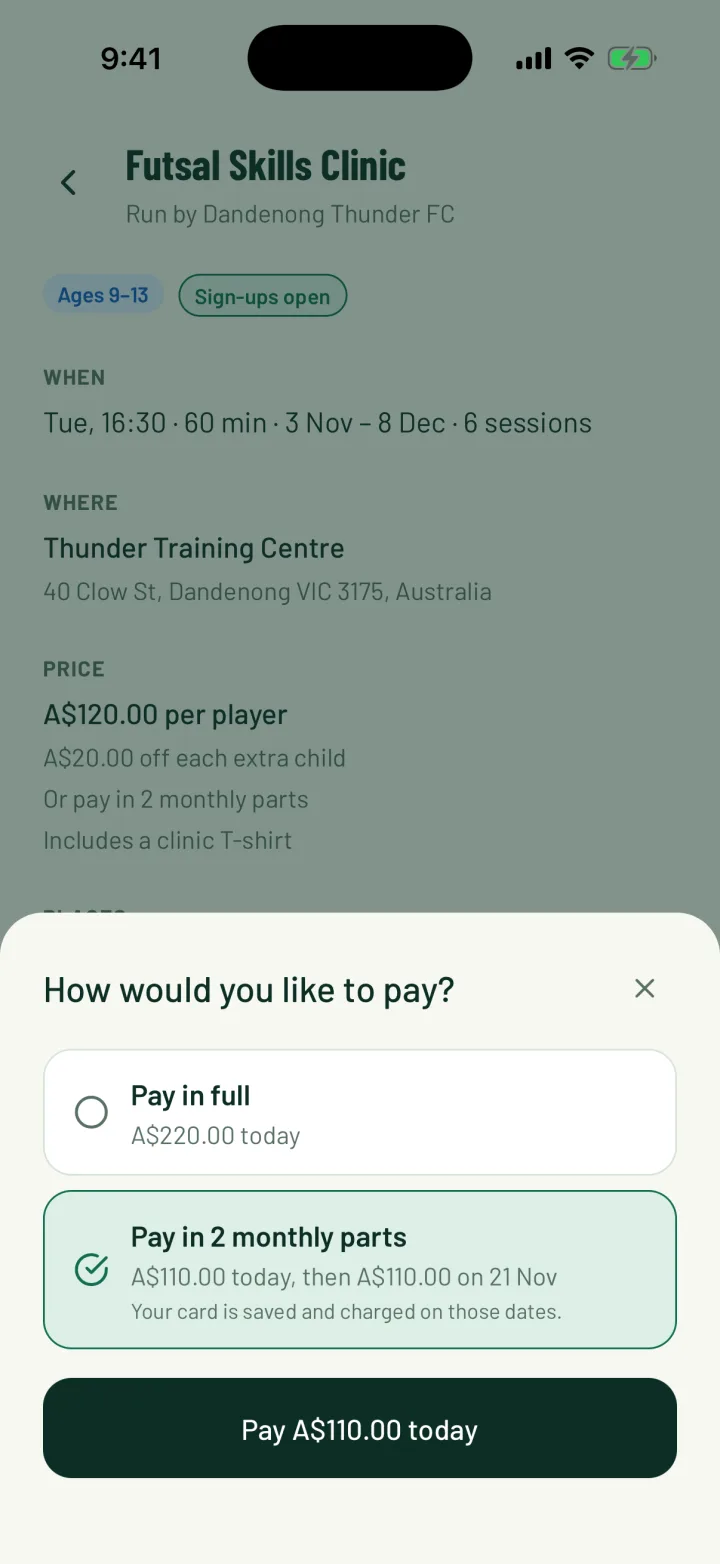
They pick their children, answer your questions, accept your waiver and pay, in full or in parts.
Screens
What you get
Brothers and sisters together
One sign-up for the whole family, with an optional discount for each extra child.
Monthly payments
Let families split bigger fees into two to four monthly parts. A missed payment is flagged for you after a week.
Age checks
Set the age range and the date it's measured on. Children outside it can't sign up.
Waiting lists that run themselves
When it's full, families join the list. A free place is offered to the next family for 48 hours.
Notify me
Show a program before it opens. Families leave an email and hear the moment sign-ups start.
Sessions in the schedule
Every session is in families' schedules, with replies, attendance and a chat, like any team.
On every plan
Community and Pro clubs both get it. The usual platform fee applies to card payments.
Questions
What does it cost?
Programs are on every plan. The usual platform fee applies to fees paid by card, the same as membership fees. There's no extra program fee.
Our program also has a fee paid somewhere else. Can we show it?
Yes. Charge your club's fee in Sportdify and add a note, with a link, for any fee paid elsewhere, such as a state body's registration.
What do families need?
Anyone can see the program page in a browser and join the Notify me list. To sign up and pay, families use a free Sportdify account in the app.
Can we give concessions or vouchers?
Yes. Change any child's fee before it's paid and note why, such as a concession card or an activity voucher. Families see the new price.
What happens when the program ends?
It finishes on its own the day after the last session. Players who only joined the club for programs stop counting as active members.