Club shop
Sell your kit without the spreadsheet
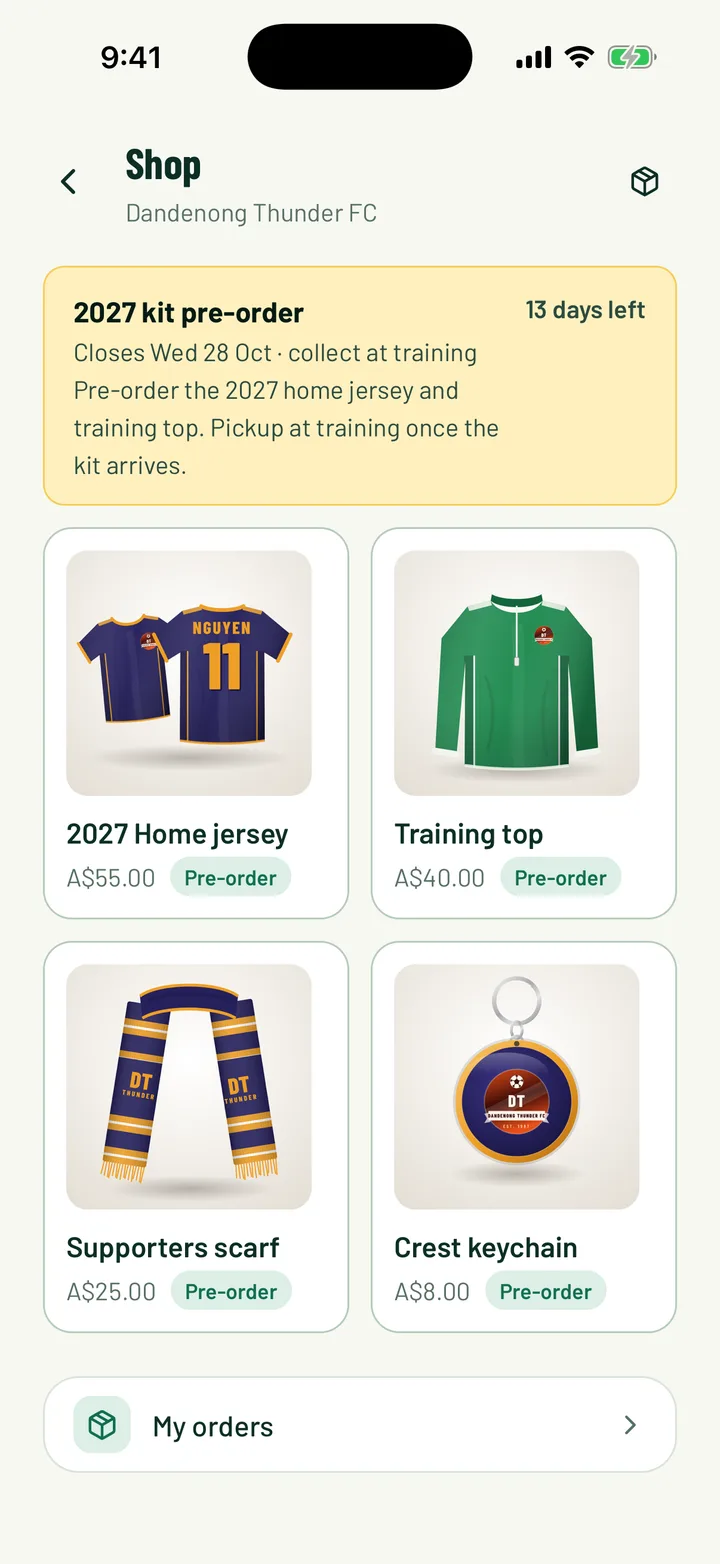
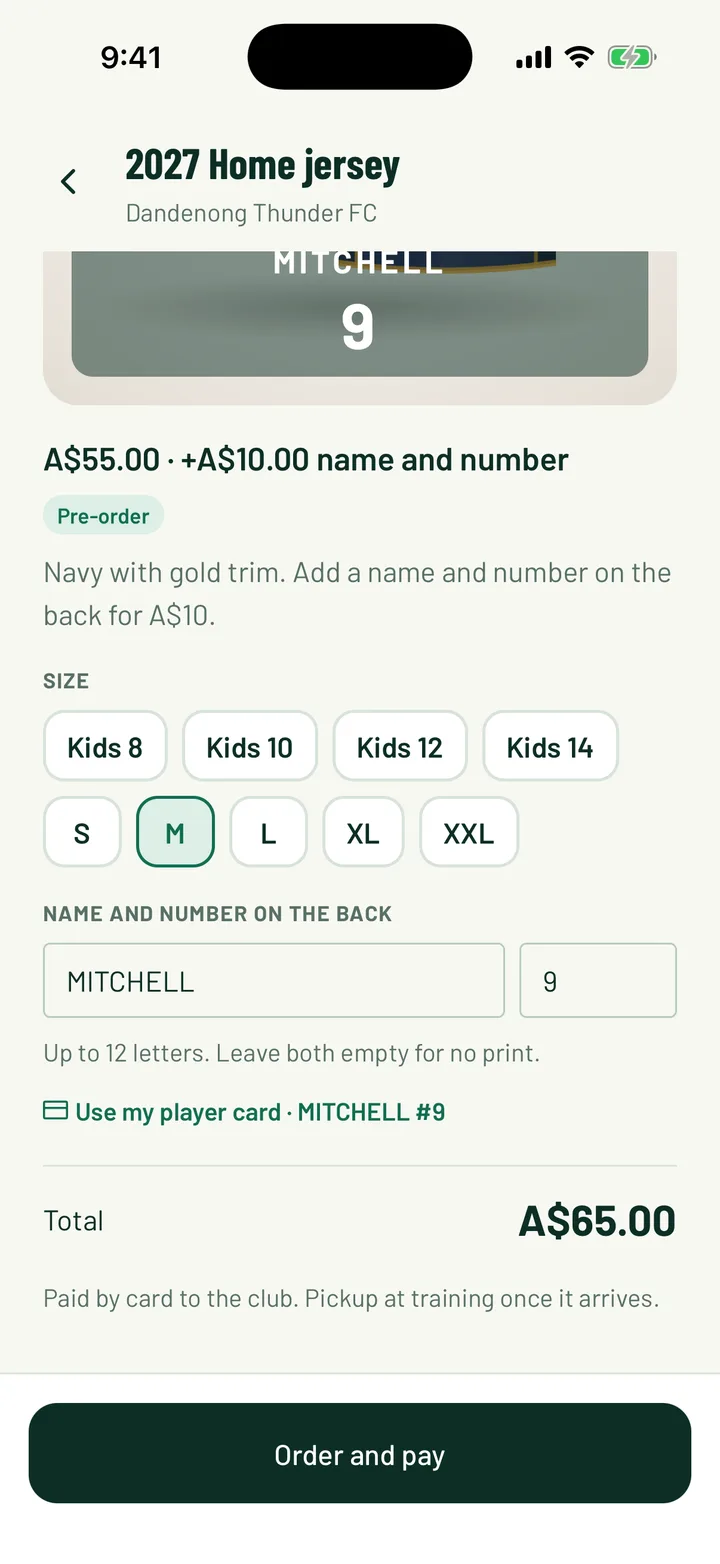
Run jersey and merch pre-orders in Sportdify. Members pick sizes, add their name and number, and pay. You get one size list for your supplier.
Included on every plan
Kit orders shouldn't take a whole season
- Before:
“Chasing sizes in a group chat.”With Sportdify: Everyone picks their own size in the app. - Before:
“Matching bank transfers to names.”With Sportdify: Card payments land in your club's Stripe account. - Before:
“Retyping orders for the supplier.”With Sportdify: One size table and a CSV with names and numbers.
How it works
Three steps
Open a drop
Add items, sizes, prices and a closing date. Members-only or public.
Members order
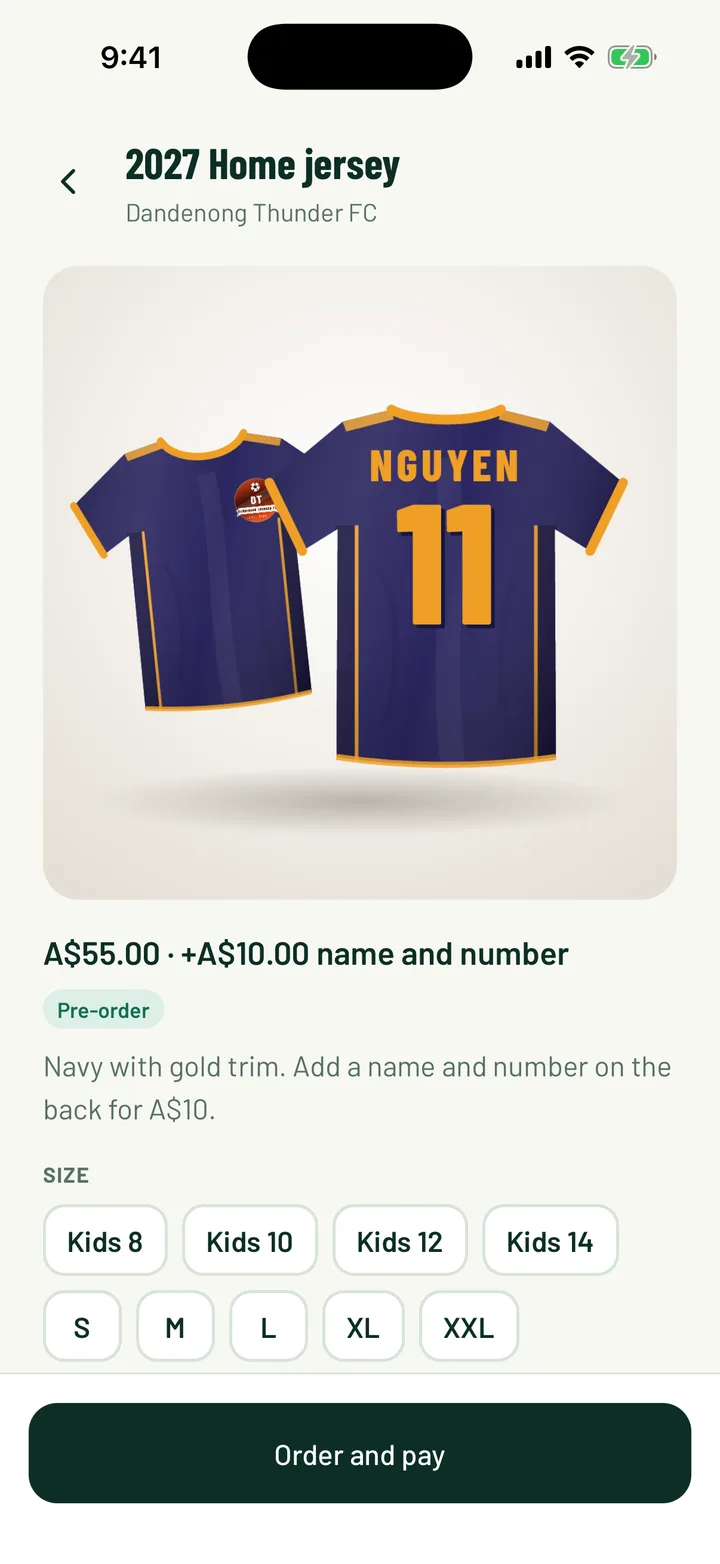
They choose a size, add a name and number, and pay by card or directly to the club.
Hand out at training
Send the size list to your supplier, notify everyone when stock arrives, tick off collections.
Screens
What you get
Pre-orders and in-stock
Run a kit drop or sell scarves and keychains with stock counts.
Name and number printing
Pulls straight from the player's card, so spelling is right.
Supplier-ready list
Size totals per item, plus a CSV with every name and number.
Members kept in the loop
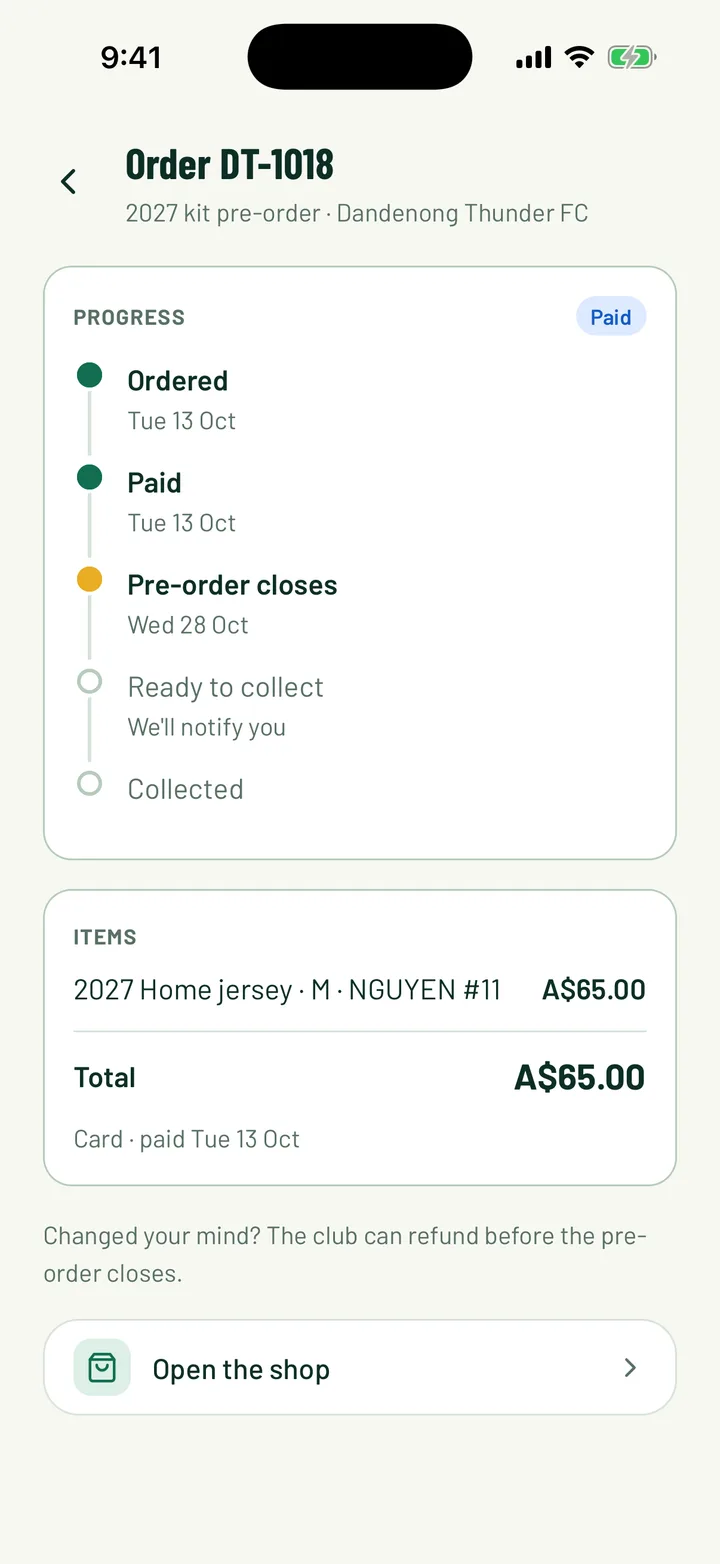
Order confirmed, ready to collect and refunds are all notified.
Paid to your club
Card payments go to your Stripe account. Cash or transfer works too.
Collection day checklist
Tap to mark each order collected as you hand it over.
On every plan
Community and Pro clubs both get it. The usual platform fee applies to card payments.
Questions
Does Sportdify take a cut?
The usual platform fee on card payments applies, the same as membership fees. There's no extra shop fee.
Can members cancel?
Your club can refund or cancel until the drop closes. After that the order has gone to the supplier.
Do you ship orders?
Not yet. Orders are collected at training or game day.
Do I need Pro?
No. The shop is on every plan.