Help › Lineups and live scoring
Score a game live
Start the game, record goals, points and subs as they happen, run the periods, then finish with the final score that followers see live.
Watch it first
A short recording from the app, with the waiting cut out. The steps below go through it slowly.
Live scoring keeps the score, the clock and a timeline of the game up to date while you play. Followers see it on the game page, and it feeds your livestream's score and the replay's highlights. Every sport follows the same pattern: start, record what happens, handle the breaks, then finish.
1Before the game
Club staff who run games and the teams' coaches can score. Others see Only club admins and the teams' coaches can score.
- Share your lineup first. Live scoring then splits each team into the starting side and the bench.
- Without a lineup, every player is listed under Squad, and you can still record events by team.
- Decide who's scoring. One person per game works best, because a second scorer's entries can clash.
App: game › Game operations › Manage lineup · Web: Games › game › Lineup editor
2Open live scoring and start the game
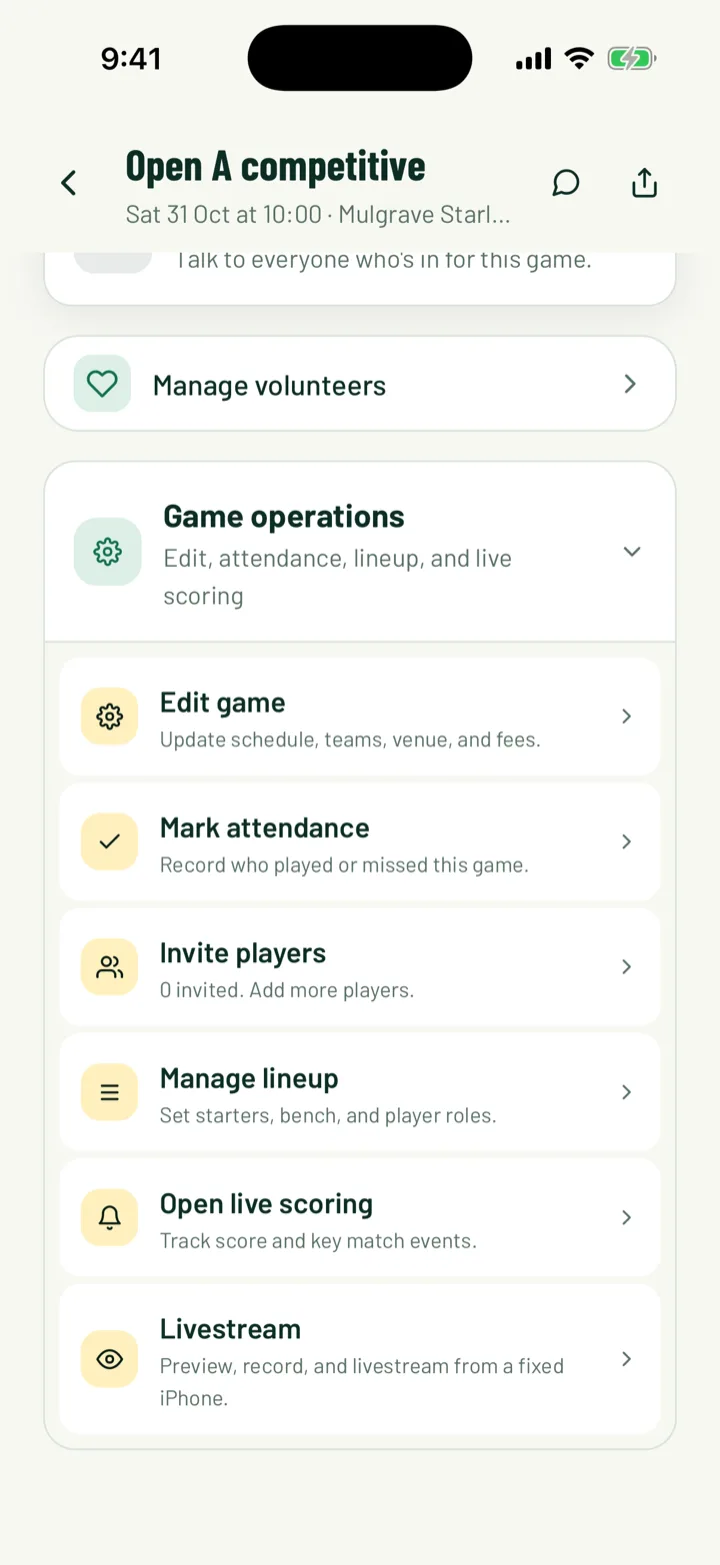
In the app, open the game and tap Open live scoring. Admins find it under Game operations. Coaches see it as a card on the game page.
Tap Status, then Start game. It "Kicks off and starts the clock." From now on, the minute of each event is filled in from the clock.
On the web, open the game and click Start game, then Live panel.
In sports with their own scorer, such as basketball, ice hockey, baseball, golf and swimming, the first thing you record also starts the game.
App: game › Game operations › Open live scoring · Web: Games › game › Start game
3Record what happens
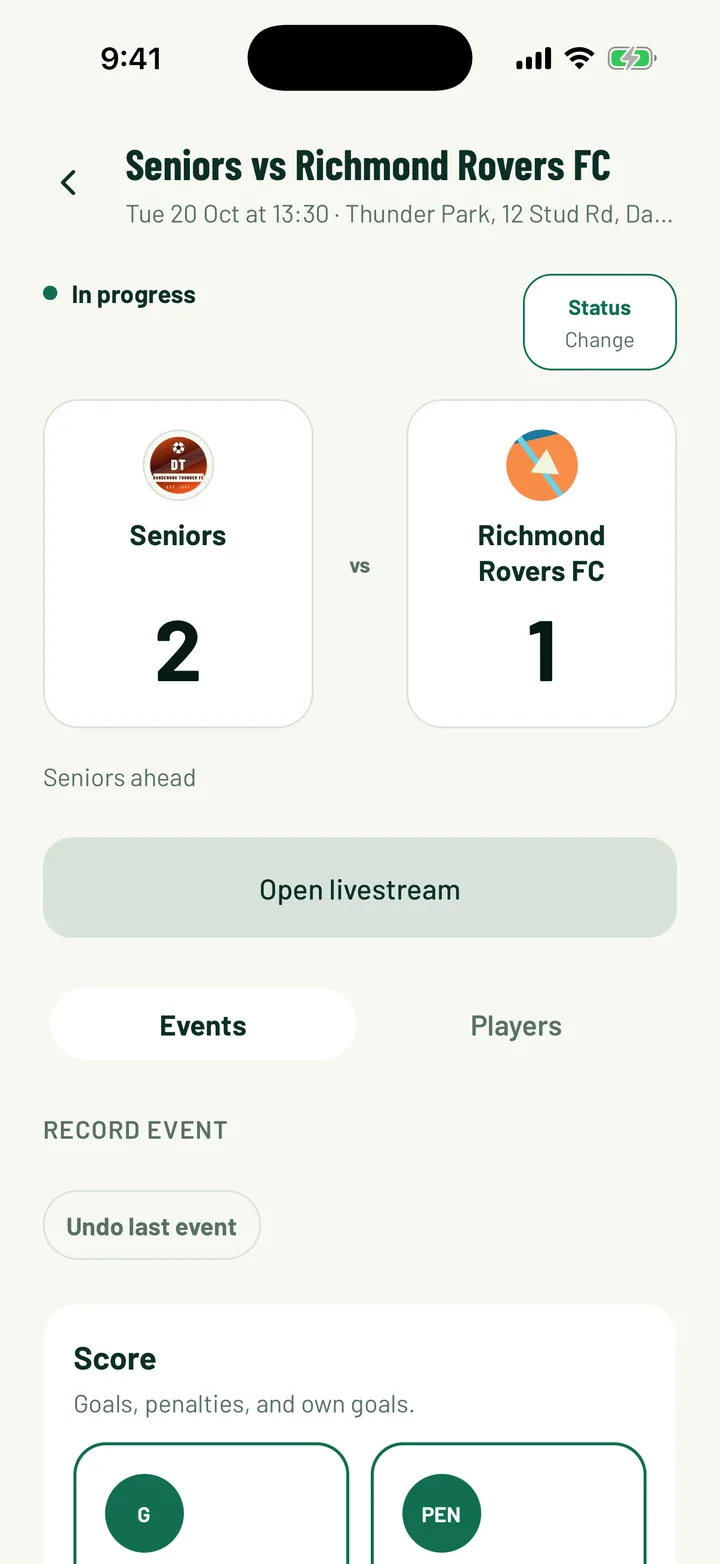
Team sports have two ways to record. Use whichever suits you.
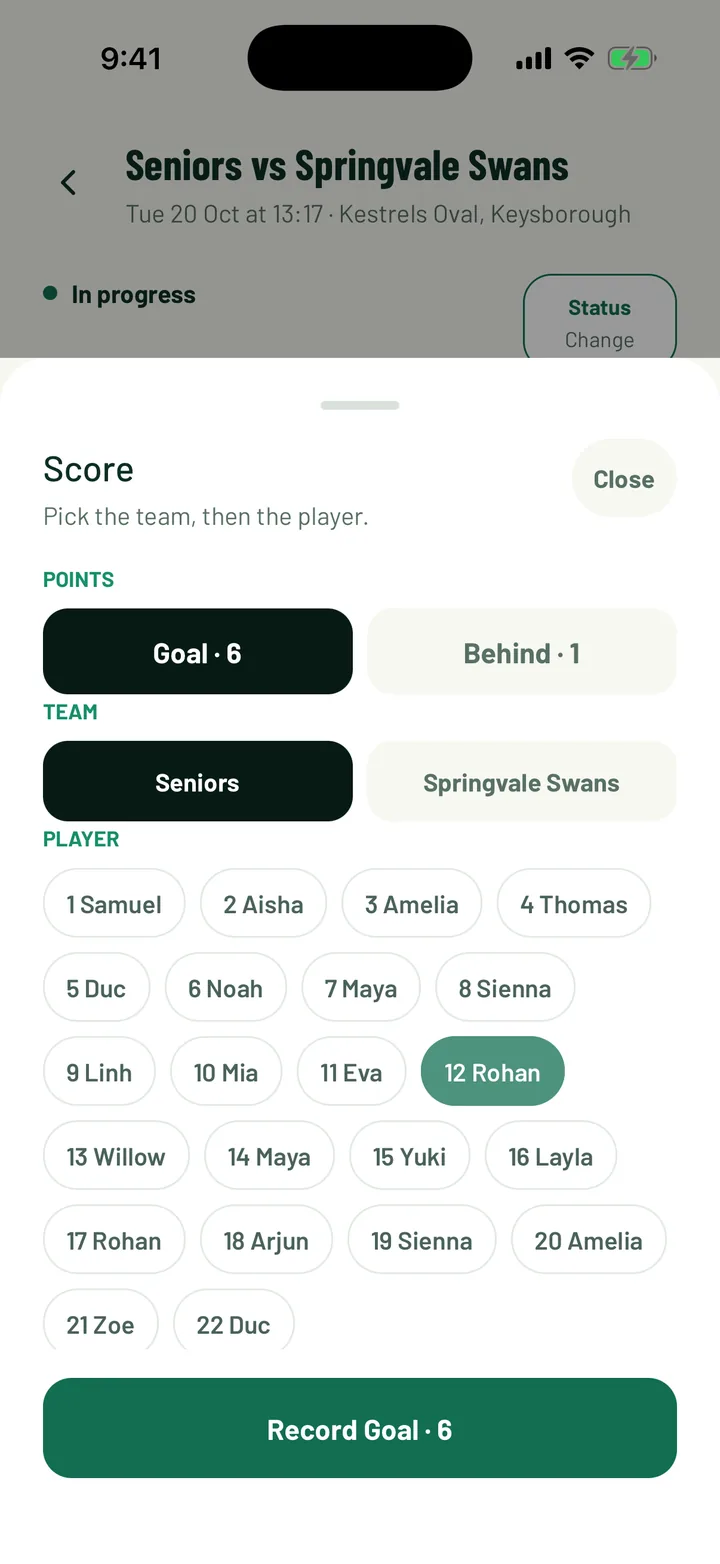
- Events: tap the event, such as Goal or Yellow, then pick the team and the player. "The minute follows the clock."
- Players: tap a player, then what they did. Players are split into the field and Bench.
For an opponent that isn't on Sportdify, pick Opponent · not on Sportdify. Type a name or shirt number under Scorer (optional), or leave it blank.
A goal can have an assist. You can type a Minute yourself if you're catching up after the event.
App: Live scoring › Events or Players · Web: Live panel › Events or Players
4Fix a mistake
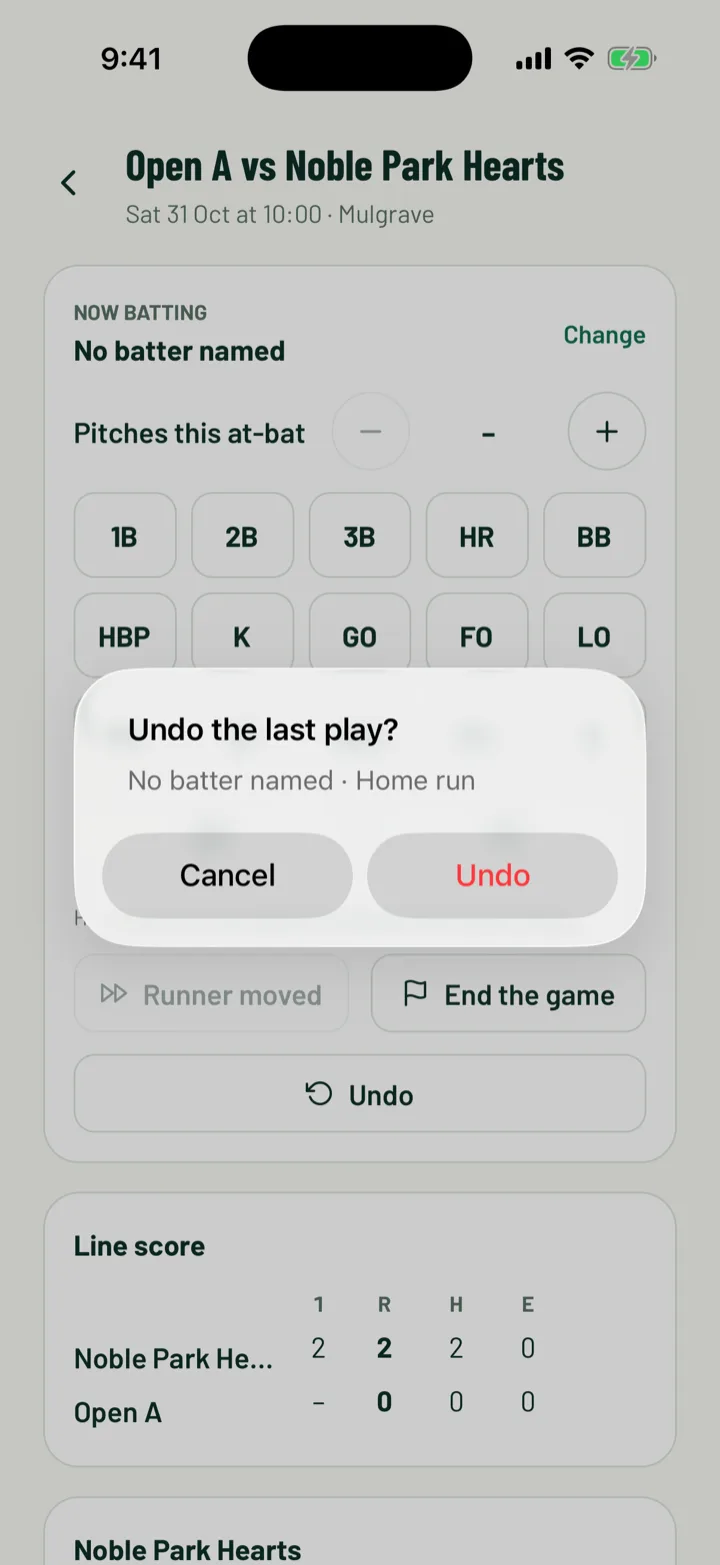
Tap Undo last event to take back the most recent entry. You'll be asked Undo last event? first. On the web, click Undo last.
To remove an older one, find it in the Timeline and delete it. You'll see Remove event? before it goes.
The sport scorers have their own undo, such as Undo point for tennis and Undo for cricket, basketball and baseball.
App: Live scoring › Undo last event · Web: Live panel
5Handle half time and periods
For football, netball and Australian football, tap Status, then Half time. It "Stops the clock and records half time." When play restarts, tap Status, then Start second half.
Sports with periods run them inside their scorer instead.
App: Live scoring › Status
6Sports with their own scorer
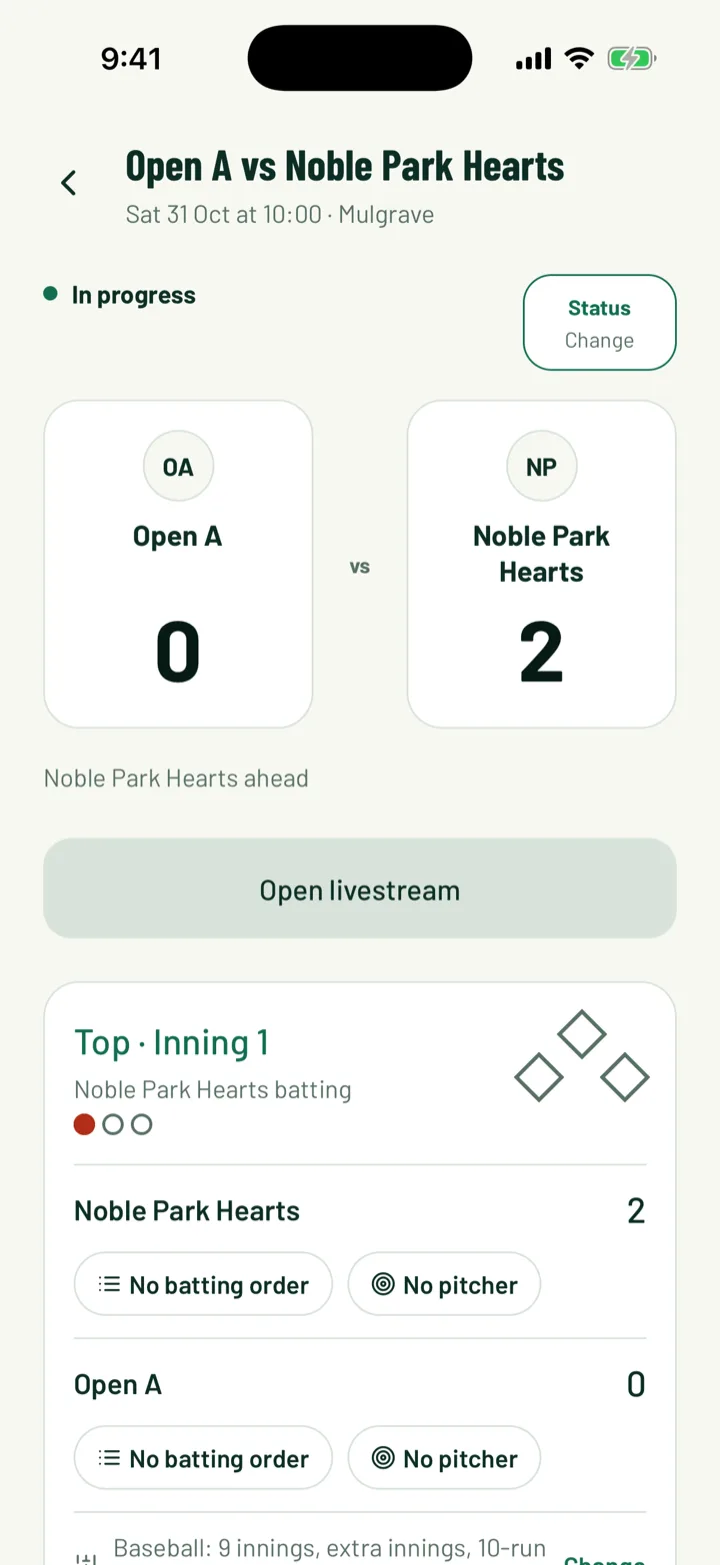
These sports get a scorer built for them instead of goals and events.
- Golf: set up Course and rules, add each player with their Handicap index, then enter strokes hole by hole.
- Swimming: set up the Meet program, enter the swimmers, tap Seed heats, then type each time, like 1:02.34.
- Combat sports: tap Start round 1, record points and penalties for each fighter, then End the bout and pick the winner and how they won.
App: game › Open live scoring · Web: Games › game › Live panel
7Keep scoring without signal
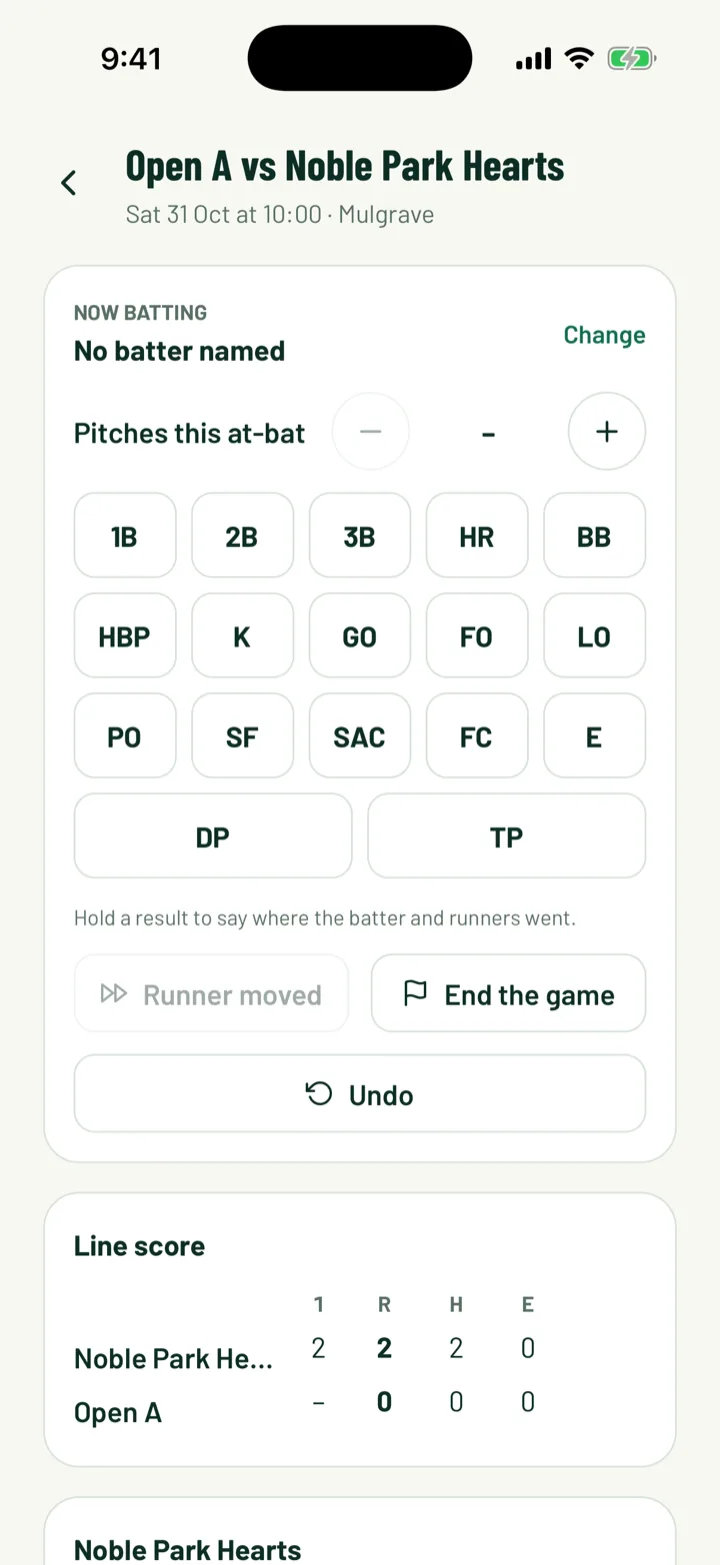
The sport scorers keep working when the signal drops. This covers cricket, basketball, ice hockey, baseball, softball, American and flag football, golf and swimming.
- Entries are saved on the phone and sent in order once you're back online. You'll see a note such as 1 play waiting for signal.
- If someone else scored the same game meanwhile, the app says the server didn't take your entry. Tap Use the latest score to load the latest score.
8Finish the game
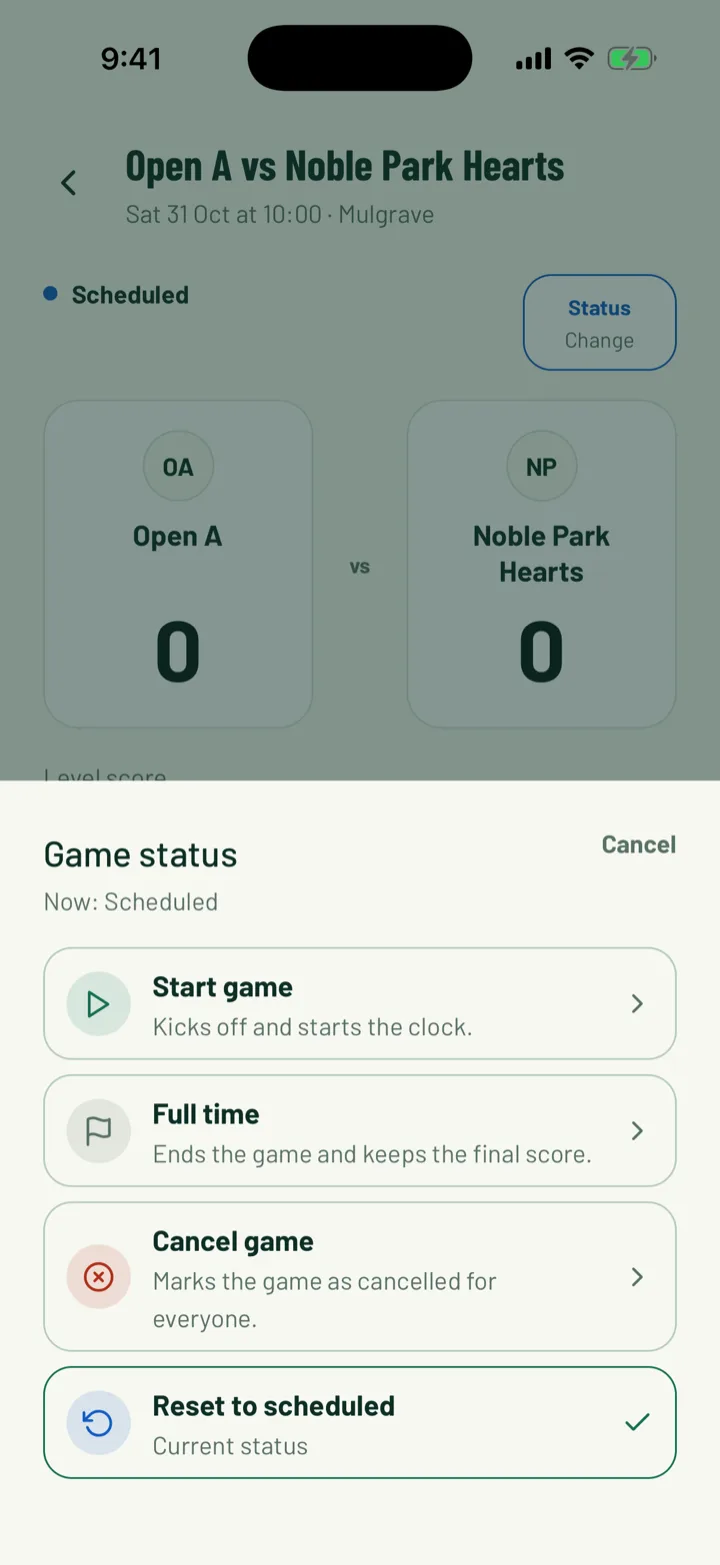
Tap Status, then Full time. It "Ends the game and keeps the final score."
- In basketball, ice hockey, baseball, softball, and American and flag football, tap Finish game in the scorer.
- For racket and combat sports, set the game to Full time from Status when you're done.
- On the web, click End game on the game page.
Status also has Cancel game, which players and parents see as cancelled, and Reset to scheduled, which takes the game back to before kick-off.
App: Live scoring › Status › Full time · Web: Games › game › End game
9What followers see
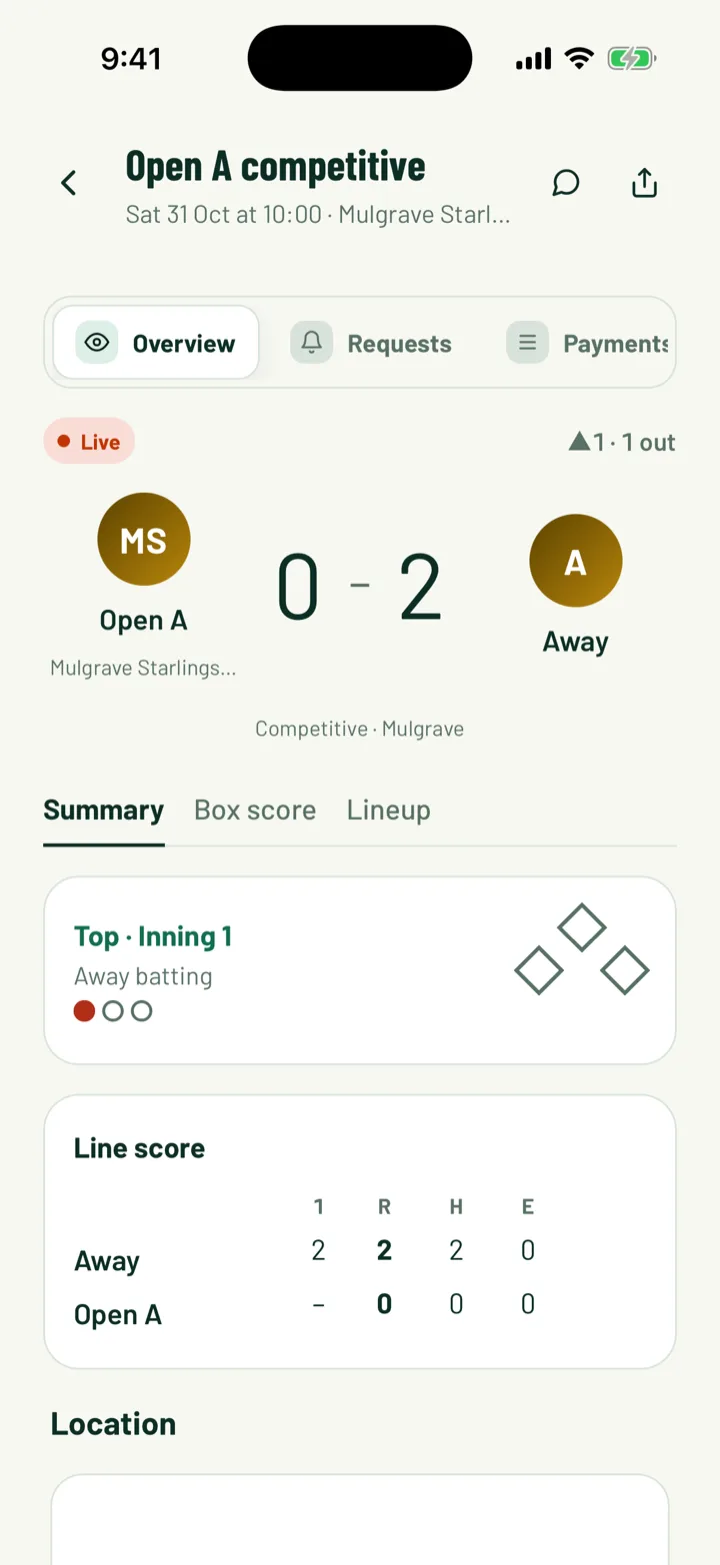
While the game is on, the game page shows a Live badge, the score and the clock. It reads HT at half time and Full time at the end.
- Summary shows both teams and the big score.
- Events is the timeline, with goals, cards and subs as you record them.
- Lineup shows the shared lineup, with when each sub came on or off.
The app refreshes the game page every 20 seconds. For public clubs, the game's page on the website updates too. Share it with the share button at the top of the game page.
If you're streaming the game, Score on video puts the same score on the stream.
App: game page · Web: game page
Still stuck?
Ask us