Lineups
Pick the side on a pitch, not a whiteboard
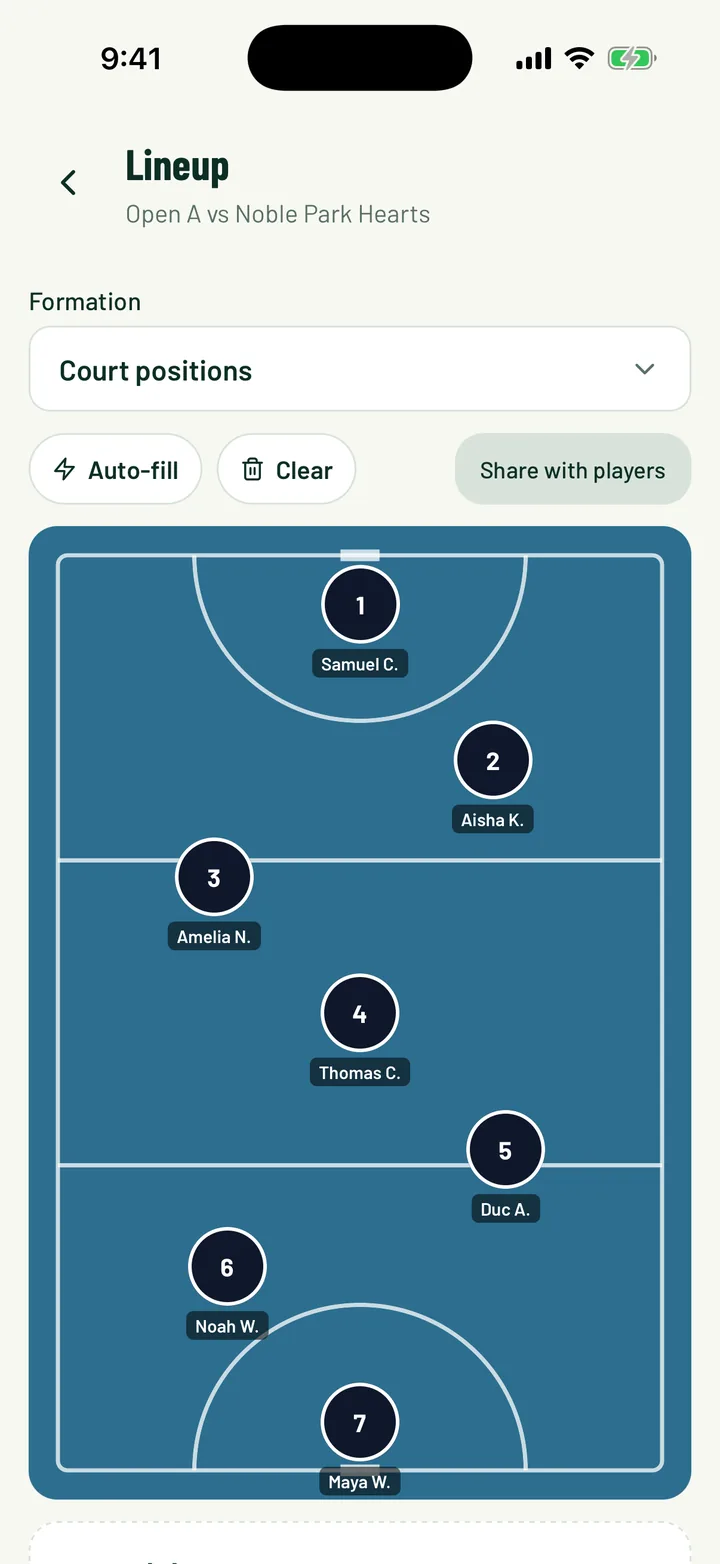
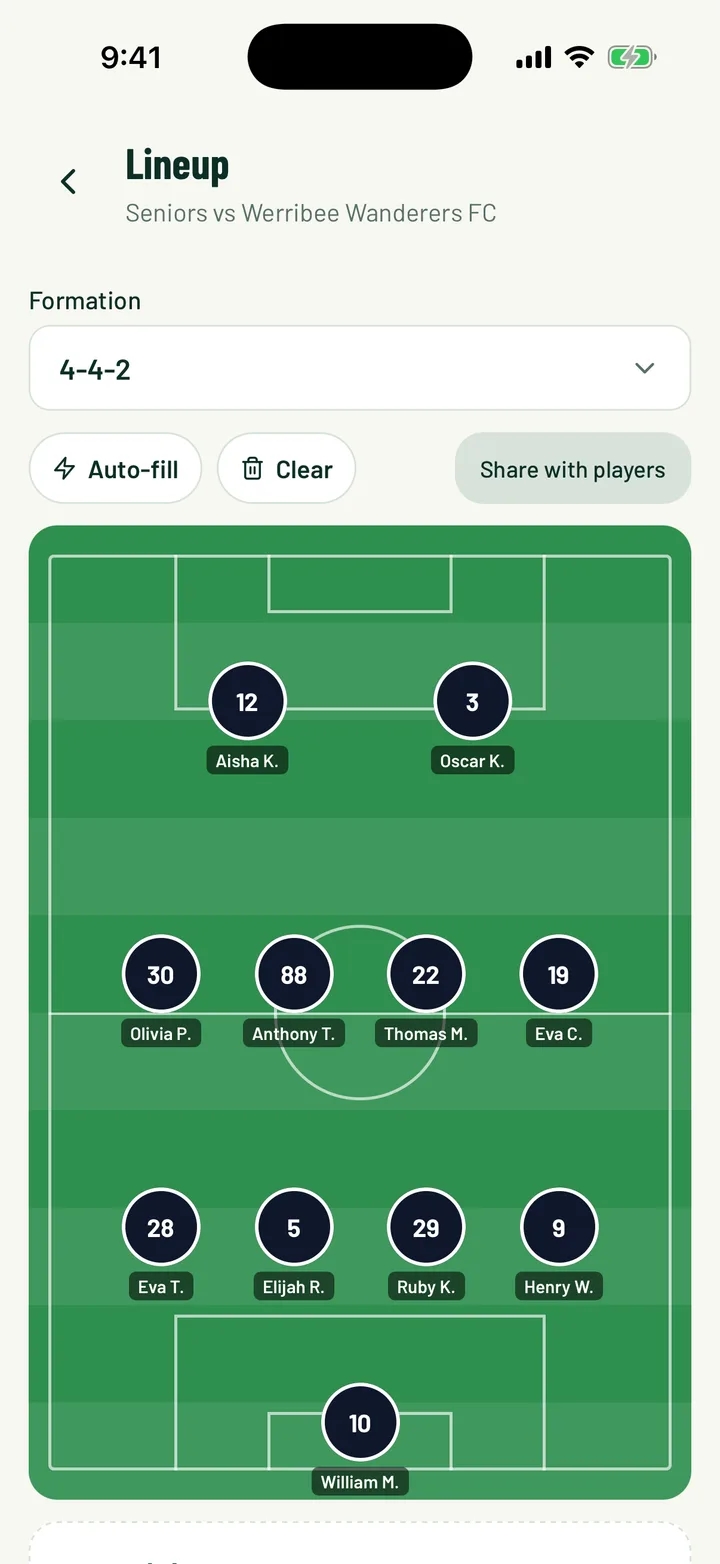
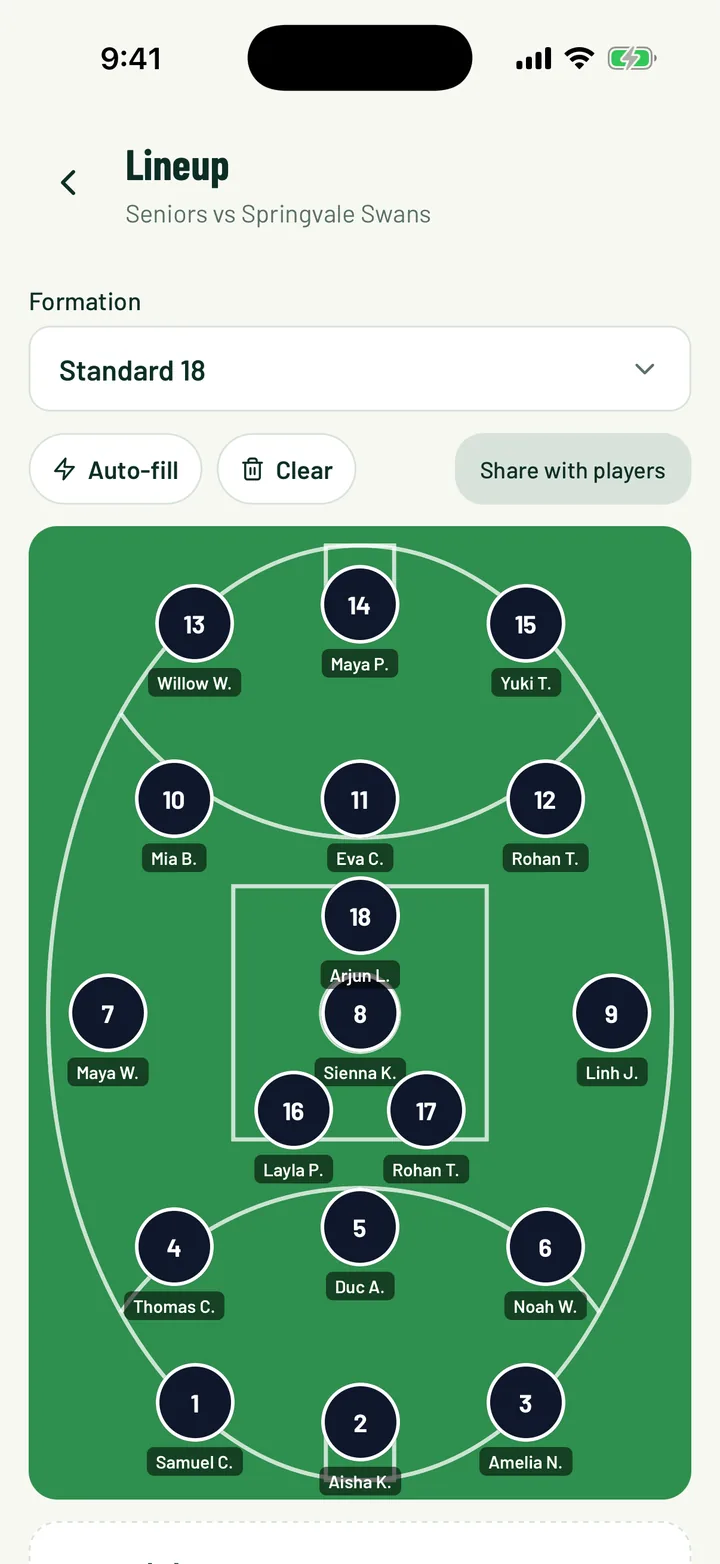
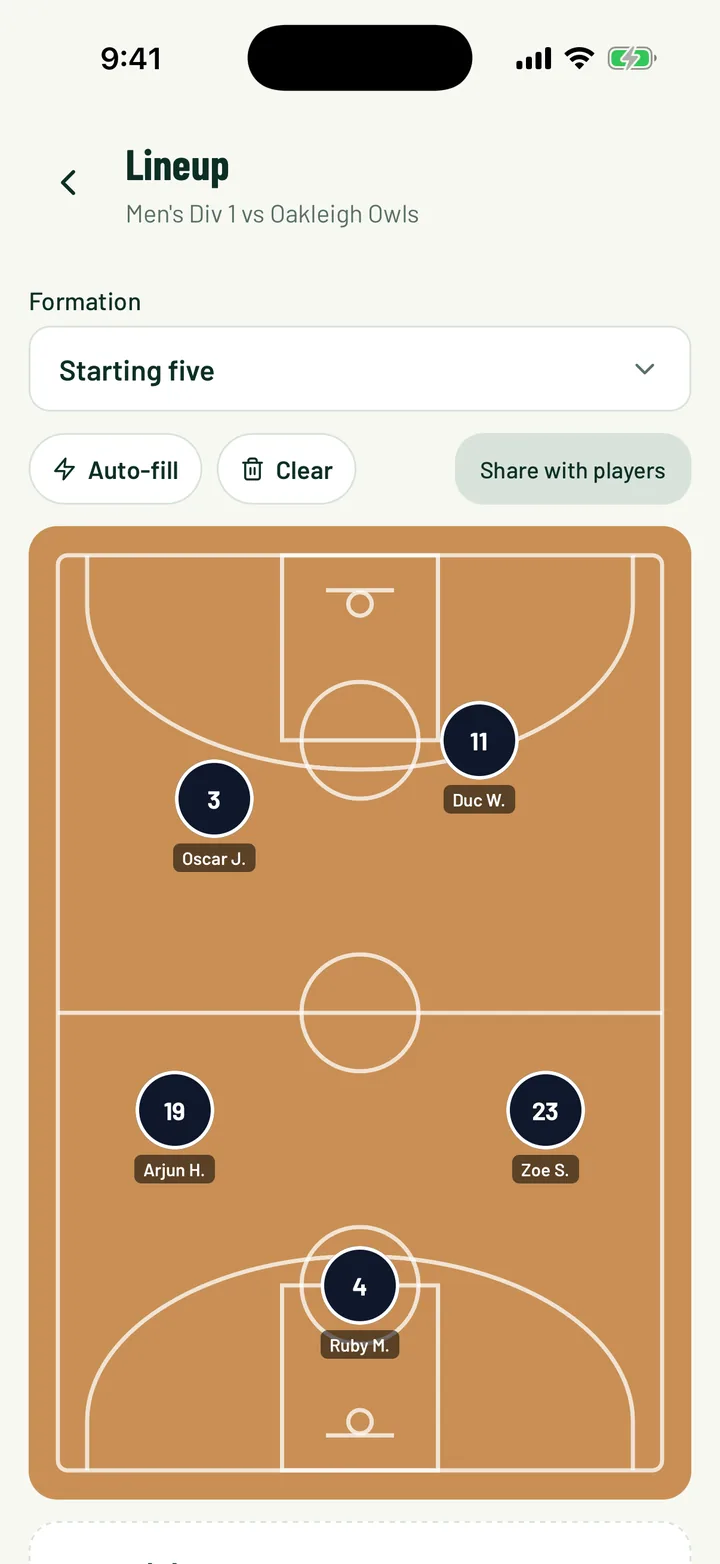
Drag players into a formation for football, futsal, AFL, basketball or netball. Auto-fill a first draft from positions and RSVPs, then share it and every player is told if they're starting.
Included on every plan
The team sheet shouldn't be a photo in the group chat
- Before:
“A photo of the whiteboard sent to the group chat.”With Sportdify: Share the lineup and each player gets a push: starting or on the bench. - Before:
“Scrolling a poll to see who can play.”With Sportdify: Every player shows as in, invited or out, straight from their RSVP. - Before:
“Redrawing the team from scratch every week.”With Sportdify: Auto-fill starts from positions, RSVPs and who started recently.
How it works
Three steps
Pick a formation
4-4-2 to 5-a-side for football, futsal shapes, a starting five, netball court positions or AFL's 18.
Fill the sheet
Auto-fill a first draft, then tap or drag players between the pitch, the bench and not selected.
Share it
Each player is told if they're starting or on the bench. Change it and share again.
Screens
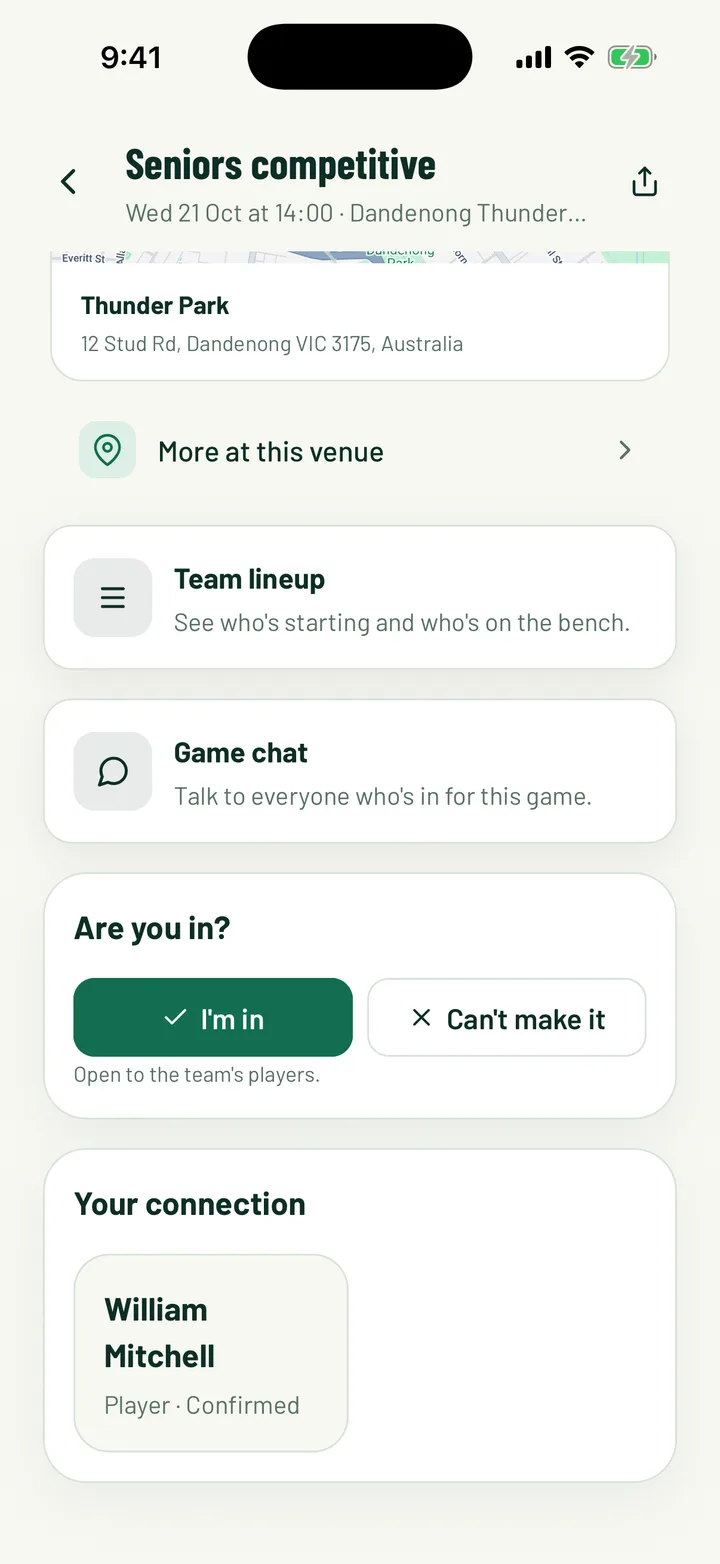
What you get
Formations for five sports
Football from 4-4-2 to 5-a-side, futsal, basketball, netball and AFL. Other sports get a starters and bench list.
Auto-fill
Fills each spot by position, then availability, then recent starts. Players you've placed stay put.
Availability on every player
In, invited or out from their RSVP, and anyone who said no is left out of auto-fill.
Players are told
Sharing sends each player a push saying if they're starting or on the bench, and against whom.
Ready for live scoring
Live scoring splits starters and bench from the shared lineup, so subs and scorers are a tap away.
On the app and the web
Pick the side on your phone at the ground or on the club dashboard at home.
On every plan
Community and Pro clubs both get lineups, for every team and every game.
Questions
Which sports have a pitch view?
Football, futsal, basketball, netball and AFL. Every other sport gets a starters and bench list.
Can players see the lineup?
Yes, once you share it. It shows on the game in the app, and on the game's live page while it's being scored.
Can I change it after sharing?
Yes. Move players around and tap Share again to send the new lineup.
Does auto-fill pick players who can't come?
No. Players who said they can't make it are left out, and those who said they're in are picked first.
Do I need Pro?
No. Lineups are on every plan.